Videos from your website, store or software product, in minutes
Paste your website, your app or a GitHub repo. uscale reads it, decides what the film should say, shoots it and renders it with narration, captions and music. Run a shop? It cuts Reels and Stories ads from the clips you already post on Instagram. No editor, no motion designer.
Built for teams shipping software and businesses with something to show




Made for how you sell
Three kinds of business, three kinds of film. Pick yours.
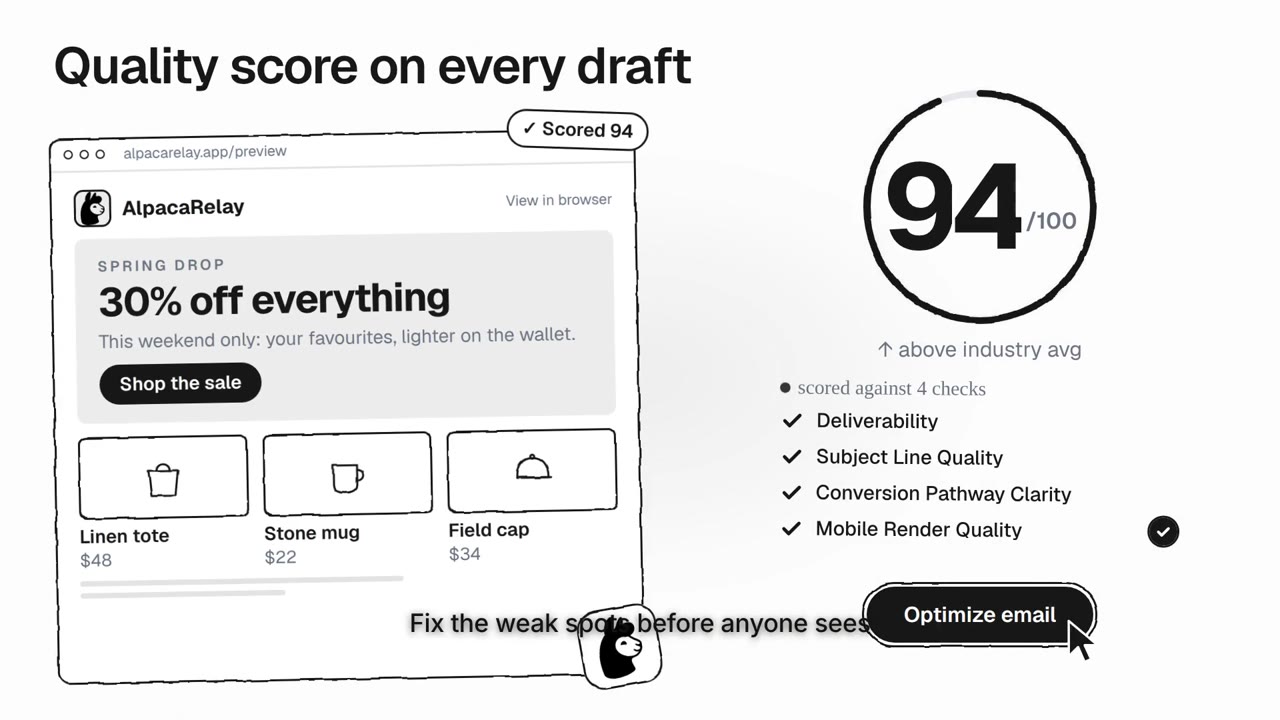 Software productsA launch or promo film of your real web app, written from its own website.See how it works →
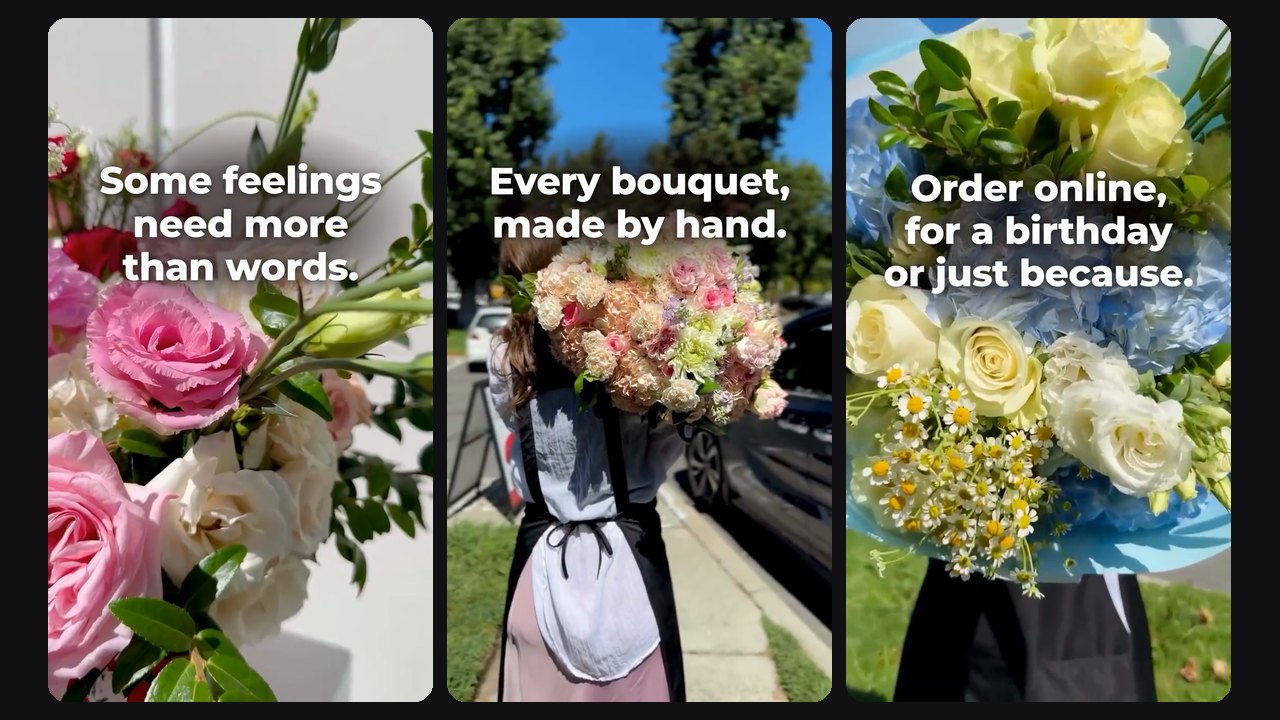 Shops and local businessesAn ad for Reels and Stories, cut from the clips you already post on Instagram.See how it works →
 Agencies and freelancersA film for every client, each in its own colours, type and logo.See how it works →
Tired of waiting three weeks for a video?
We looked at how software teams get product videos made today, and, well, it's slow and expensive.
Agencies take weeks and start from a brief
Briefing calls, storyboards, two rounds of revisions, and the video shows a version of the product that shipped a month ago.
uscale starts from the product itself: it reads the repo or the live app, so the cut is always current.
Screen recordings look like screen recordings
Real UI, but flat: no camera, no rhythm, no story. Viewers scroll past in two seconds.
uscale films the key moments with real camera moves and rhythm, so it reads like a film.
Motion tools need a motion designer
After Effects and Remotion give you everything, if you have someone who can use them and a week to spend.
You need neither. Pick a preset, read the director's plan, press render.
3 steps to your video
From a link to an MP4, usually in minutes.
Add your product
A URL or a GitHub repo, or for a shop, your Instagram. Logged-in apps work too: sign in yourself once, SSO and 2FA included.
Say what it should do, read the plan
Show the product, tell a story, announce something, or start from a video you like. The director writes the plan for your industry and asks before it spends.
Render and share
1080p MP4 with narration, captions and music, in the shape each place needs: tall for Reels, Stories and TikTok, 4:5 for the feed, wide for YouTube and your site. Plus a post pack for X and LinkedIn. Revise any beat from the chat.
Videos the whole team can be proud of
Real renders. Software is filmed in its live app; shops and places are shot as photographic films. Hover to preview, click to watch with sound.
One studio, every kind of video
Pick what the video should do. The director adapts the script, the shots and the words to your industry, and never invents an address, a price or a number.
Promote your store or business
Give the director your Instagram. It proposes three ad ideas and cuts the one you pick from your own clips: a tall ad for Reels, Stories, TikTok and Facebook, with your words on screen, a voice and music.
How it works →Launch a product or a feature
A 30-second launch film: the headline, your numbers counting up and what is new, on animated cards in your brand.
▶ Watch the exampleExplain your product
A narrated explainer from your own site: the problem, what the product does and the result, in about a minute and in your brand.
▶ Watch the exampleTell a customer's story
One person, a real problem and your product as the turn. The same character in every shot, or a photo of your own.
▶ Watch the exampleWalk through your product
Your real app, filmed and cut with camera moves. Logged-in apps work too: sign in yourself once.
▶ Watch the exampleStart from a reference video
Paste an X or LinkedIn video, or upload one. uscale measures its pace, motion, transitions and music, and makes yours in that rhythm, in your own brand.
▶ Watch the exampleShip a video with every release
Start from your GitHub repo and attach the release notes. The video is ready the same afternoon.
Try it with a repo →Videos for your industry
What a uscale video shows and says for your kind of business.
The industry's smartest videos
Everything a small studio would do, on every video.
Films the real product
Your live site or app, filmed and cut into motion. No screen recording on your side.
Every kind of film
Launch films, story films, photographic films, walkthroughs and cinematic cuts.
Brand read
Your logo, colours and type, taken from your site. Or drop your logo in the chat.
Narration & captions
A natural voice and timed captions, mixed and ready to post.
In your language
The film speaks your site's language, voice and captions included. 21 languages today.
Director chat
Change the hook, swap a scene, send a logo. It asks before it spends a credit.
Logged-in apps
Sign in yourself, once. SSO, 2FA and captchas all work.
Checked before you see it
Every render is reviewed before it reaches you.
Post pack
Ready-to-paste copy for X and LinkedIn with the video.
Versions
Every render is kept. Open any version in a click.
From a repo too
Paste a GitHub repo and the director plans the film from the project.
Knows your industry
Written for your buyers, in your trade's words. It never makes up a claim.
Every format
One film, fitted to each place it runs: tall for Reels, Stories and TikTok, 4:5 for the feed, wide for YouTube.
Ads from your Instagram
For shops: three ad ideas, and the one you pick cut from the clips you already post.
Filmed scenes
People and places shot for your film, a baker at the oven or a team at the desk. No camera, no crew.
Music for each film
A music bed composed for every film and mixed under the voice.
NewFrom a reference video
Paste a video you love. Its pace, motion, transitions and music, made yours in your own brand.
NewFounder avatar films
You as the presenter, made from one photo. No camera, no studio.
"We used to book a studio for this. Now the video goes out the same afternoon as the release."Head of Marketing, GPU marketplace
Faster than an agency? It's not even close
Time from "we need a video" to a file you can post.
Make your first video. It's free.
Sign up with Google or your email. No credit card needed.
Make my first videoWe're here to help
Does it work on apps behind a login?
Yes. Add a login, or press "Log in here" and sign in yourself in a browser streamed from our server. The session is stored encrypted and used only to film your product.
What does a video cost?
Credits per step: filming, direction, copy and the render. A walkthrough video is about 10 credits and a revision 1–3; cinematic cuts with AI film clips cost more. You see each price before you press it, and the full history on the Billing page.
Can I change the script?
Every beat is editable from the director chat: change the hook, swap a scene, upload a logo, ask for a shorter cut. Re-renders are versioned.
Who owns the video?
You do. Download the MP4, the captions and the post copy. We keep nothing you don't want kept.
Does it work for a shop or a local business?
Yes. Paste your Instagram address: the director proposes three ad ideas and cuts the one you pick from your own clips, as a tall ad with your words on screen. Your clips are used only after you say they may be.
Is there an API?
There is an MCP server: connect uscale to Claude, ChatGPT, Cursor or VS Code and make videos from the chat. A REST API is not public yet; tell us if your team needs one.