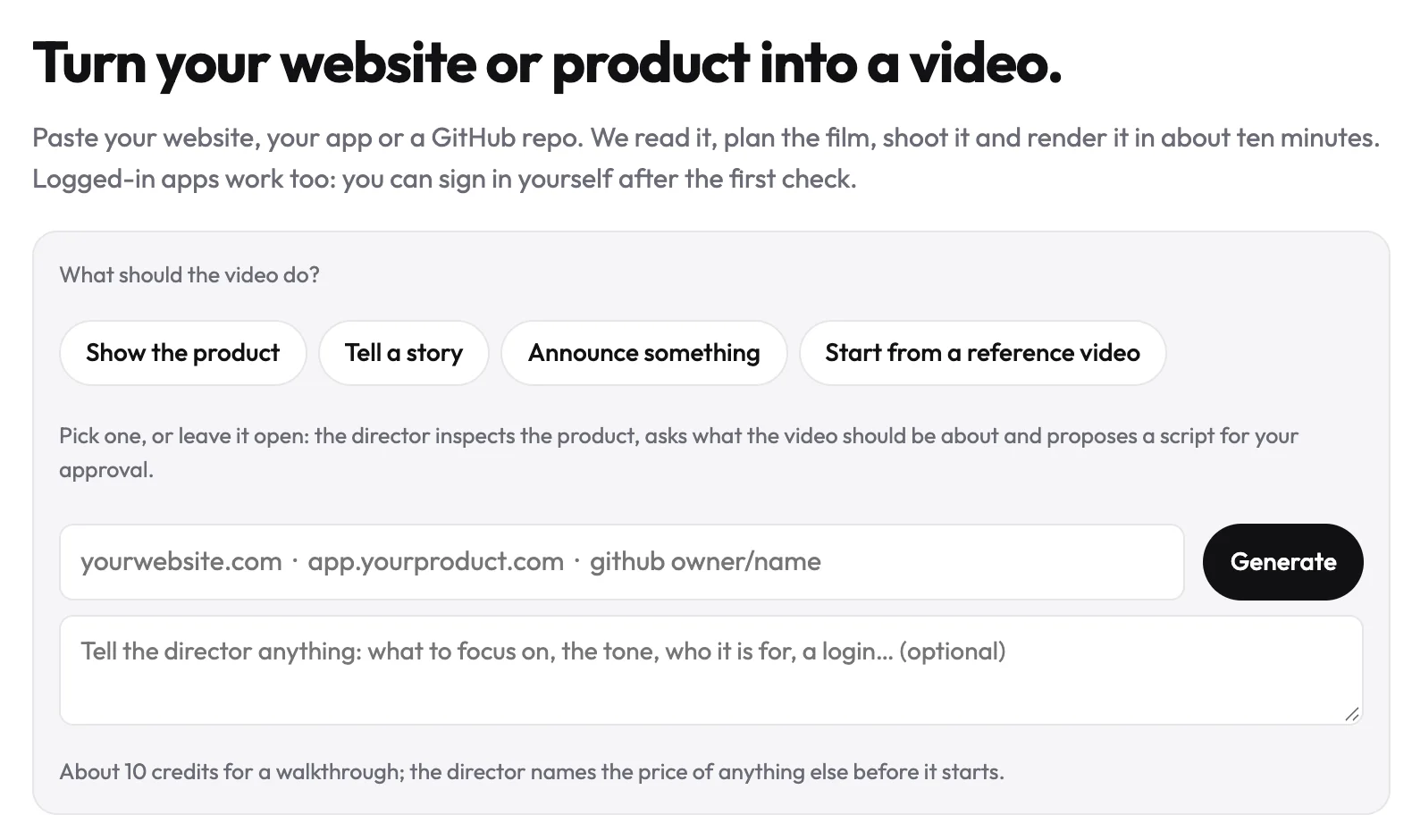
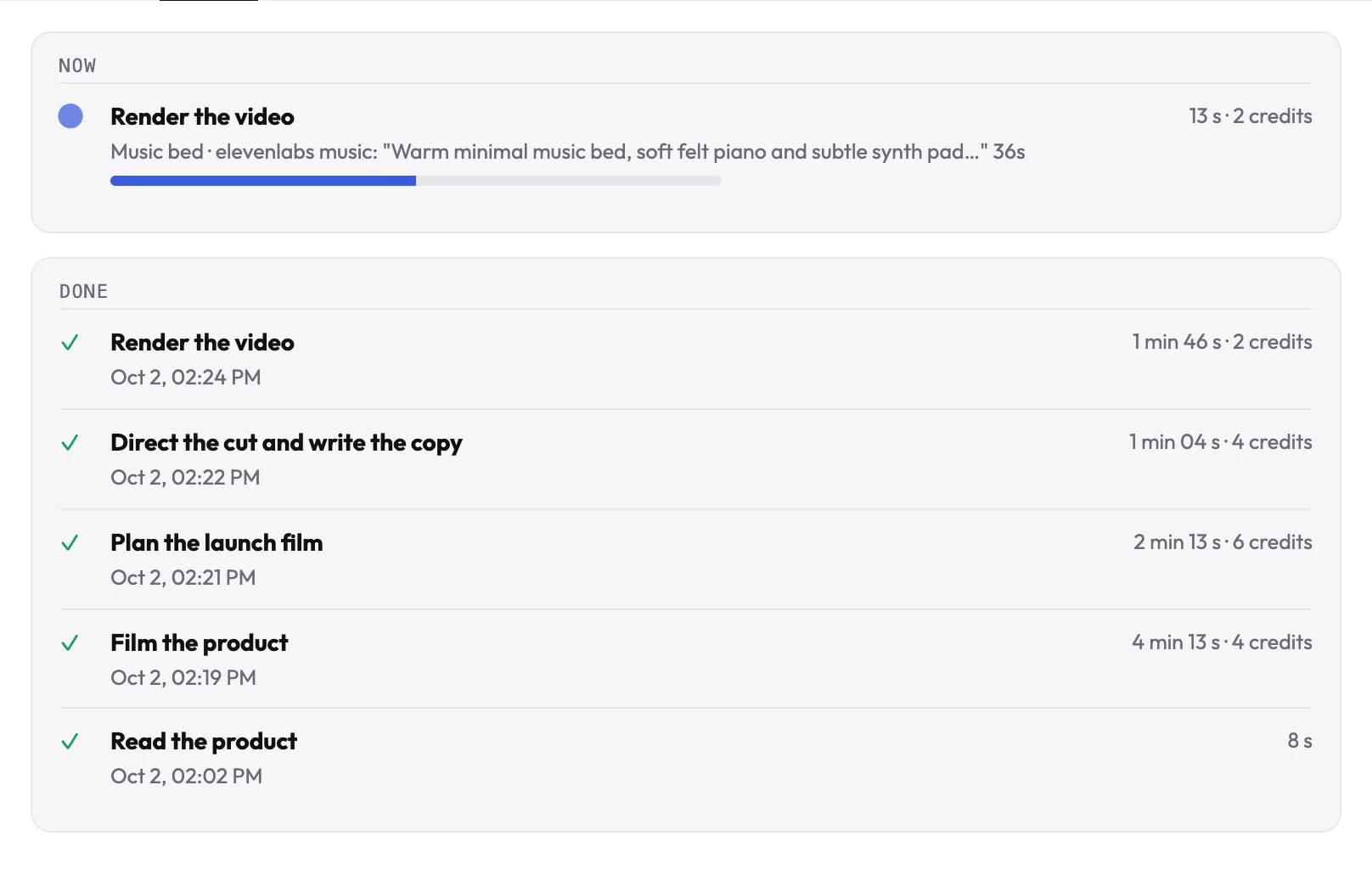
A GitHub demo video usually waits until someone records the app. With uscale, the repository is enough to start: connect GitHub, and the director reads the project the way a new contributor would, the README first, then the files that say what it does. It plans the film from that, and checks the plan with you before anything is made.
How it works
- Ask the director to read your repository.
Prompt
Connect GitHub and read <owner/repository>. Tell me what the product does and which screens a video should show.
- Press Connect GitHub (read-only) under its reply, and pick only the repositories uscale may read.
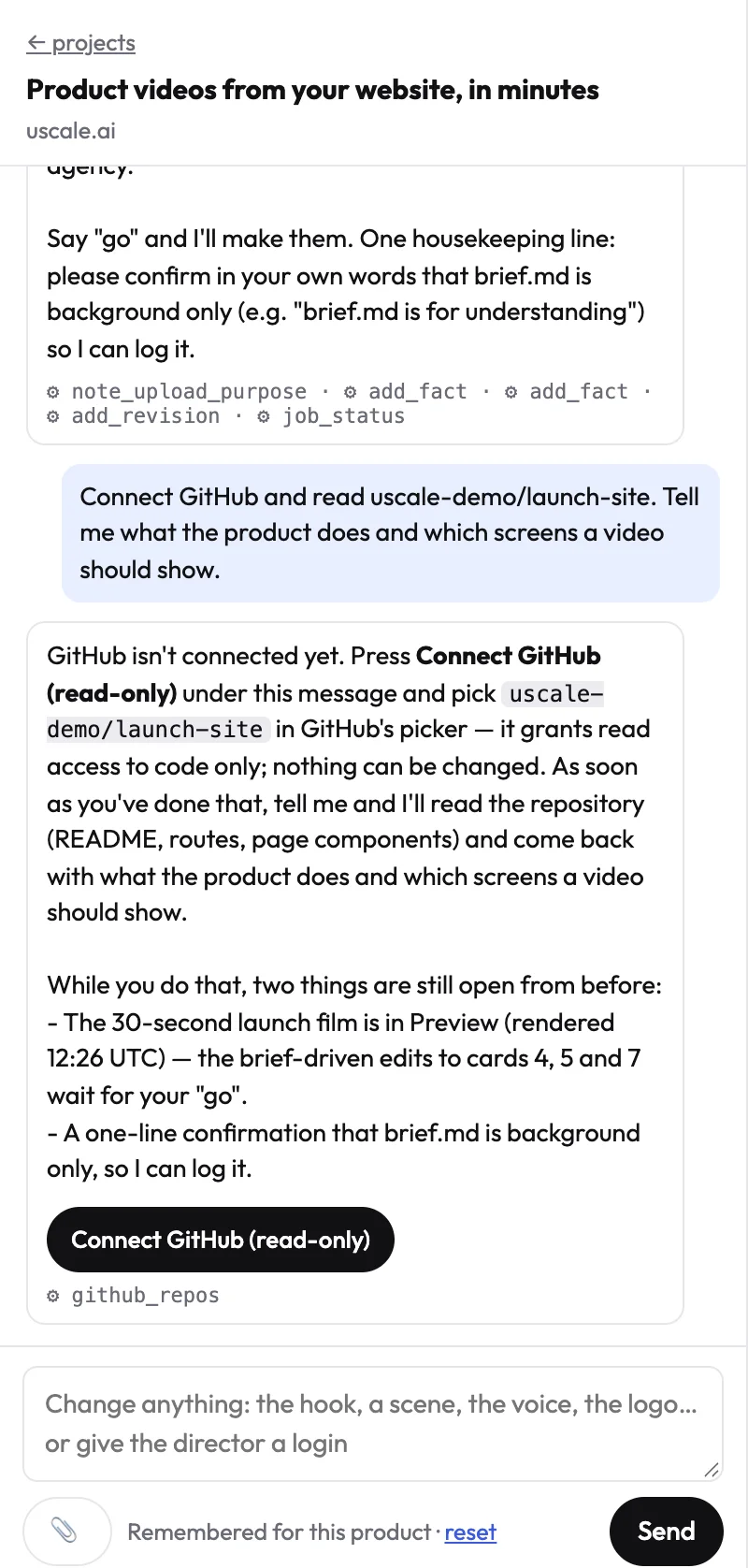
- The director reads the project: the file list, the README, a page component or the package file. It tells you what the product does and proposes the film.
What it can and cannot do
- Read only. The uscale GitHub App asks for read access to contents and metadata, nothing else. It cannot commit, open issues or change settings.
- Short-lived access. Each read uses a token that expires within an hour, and uscale checks that the person who installed the app owns the account.
- Your choice of repositories. You pick them in GitHub, and you can remove access any time in your GitHub settings.
What film you get
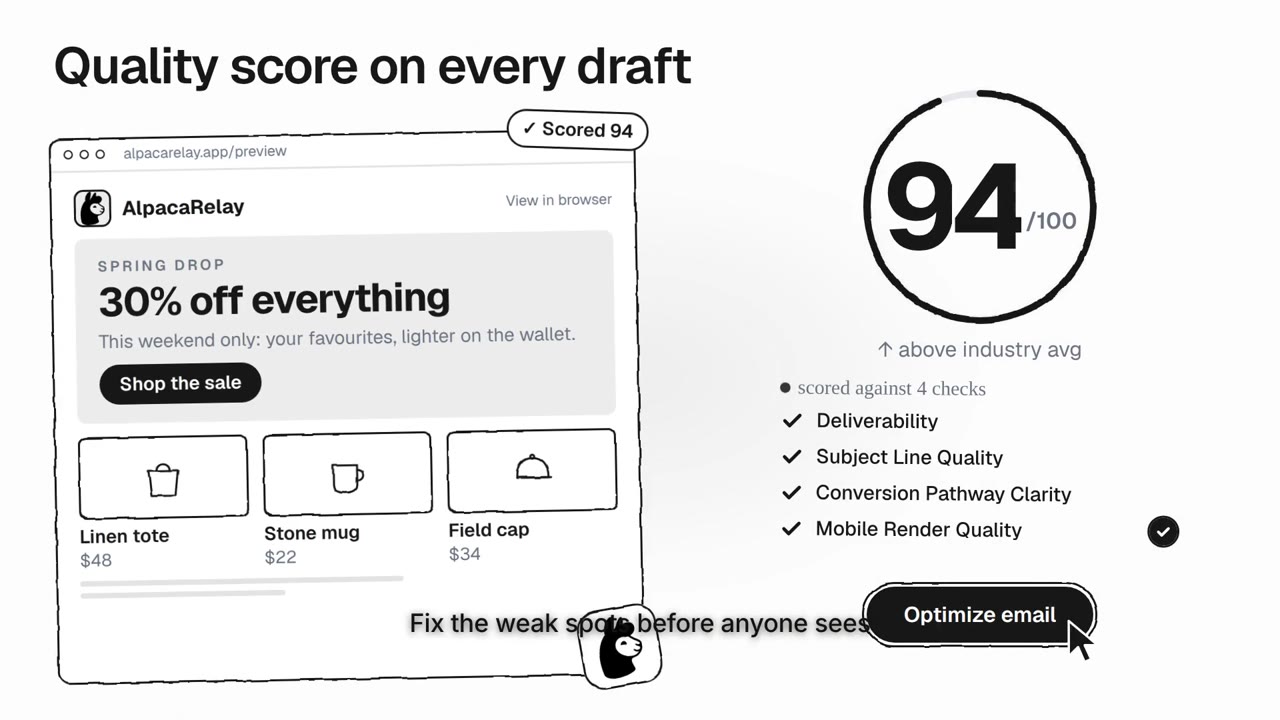
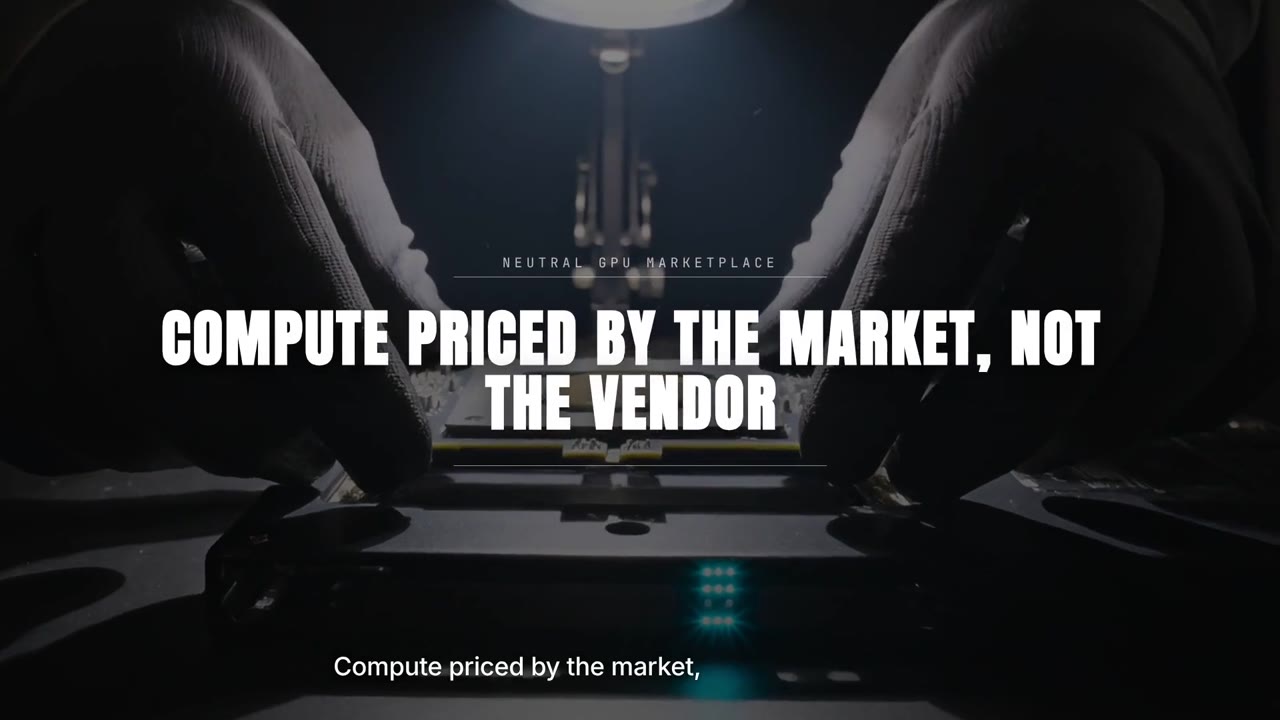
For a project without a live site, the director usually makes a launch film: the project’s own words, numbers and screens from the repository, composed in its style. If the project also has a live site or a demo, it can film that too.