Good video narration is the difference between a screen tour and a film people finish. uscale writes the script for the scenes, voices it with a natural AI voice, times captions to every word and mixes a music bed underneath, so the file you download is ready to post with the sound on or off.
The voice
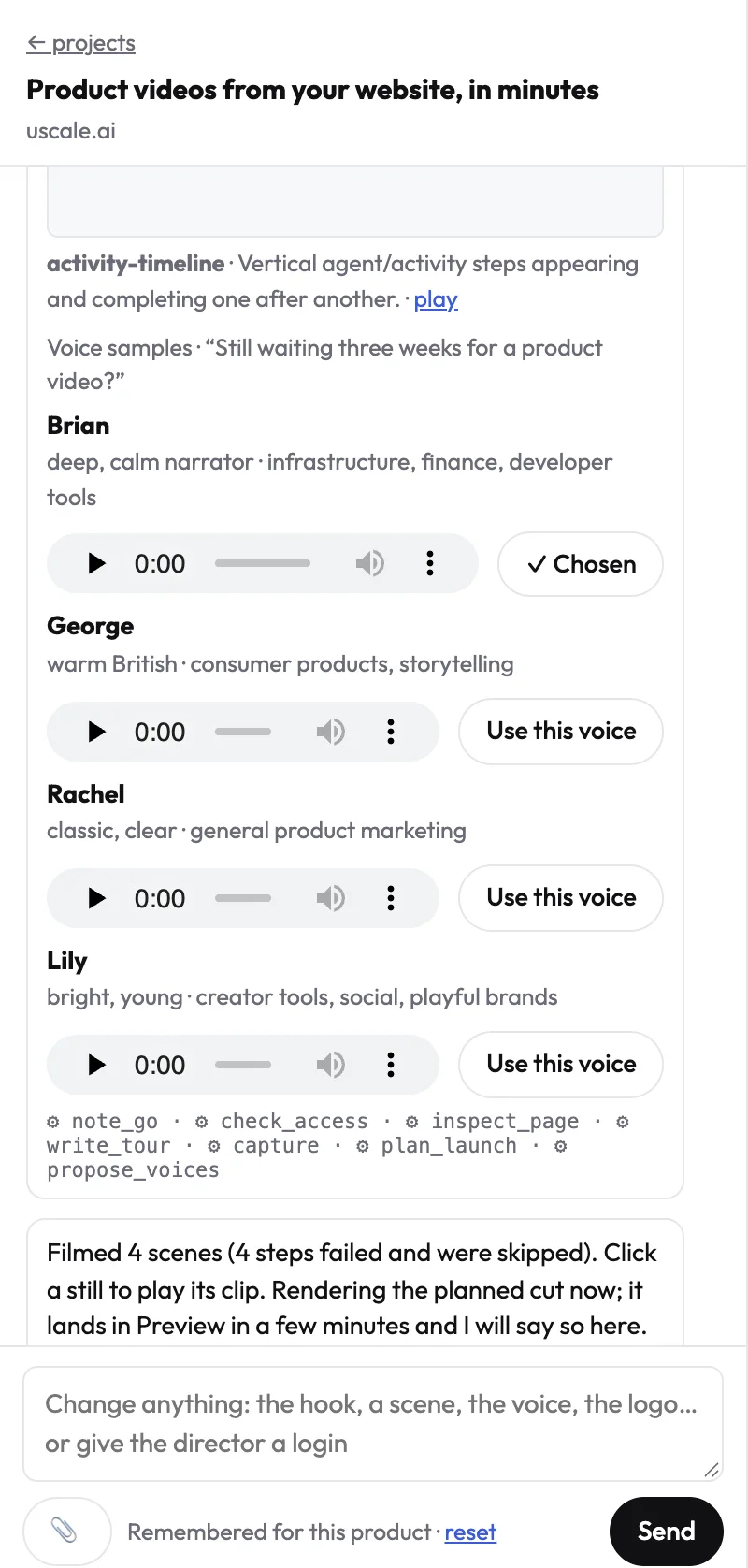
- Six voices to choose from: Brian (the default), Daniel, George, Rachel, Charlotte and Lily, all from ElevenLabs.
- Samples in your own words. The director sends short samples of each voice reading your opening line, each with a Use this voice button.
- Any language of the 21, voiced by the same voices.
- Names said right. Tell the director how a name sounds; the voice says it that way while captions keep the written name.
Captions
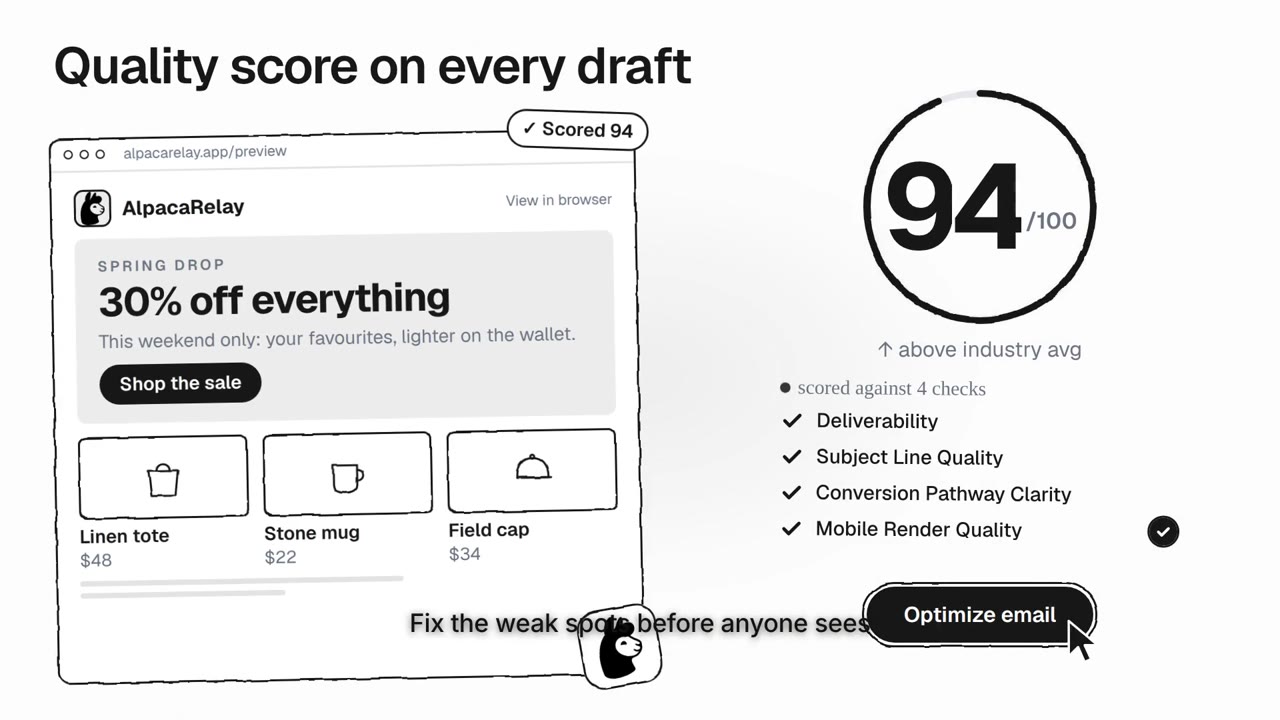
Captions are burned into the video, at most five words at a time, timed on the voice’s own word timings. They play everywhere, including feeds that start muted.
Music and the mix
A music bed is written for each film. The voice sits clearly above it: the music drops under every spoken line and comes back between them, mixed to the loudness feeds expect.
Two walkthrough looks, Dolly and World, have no voice by design: they are made for feeds that play muted.
Prompt
Keep every visual exactly as it is. Rewrite only the voiceover: <what it should say or how it should sound>.