A software demo video is only as good as the screens it shows, and the screens that matter usually sit behind a sign-in: the dashboard, the report, the settings. uscale films them the same way it films a public website, once it can get in. You sign in yourself, the way you always do, and the director films the real product.
How it works
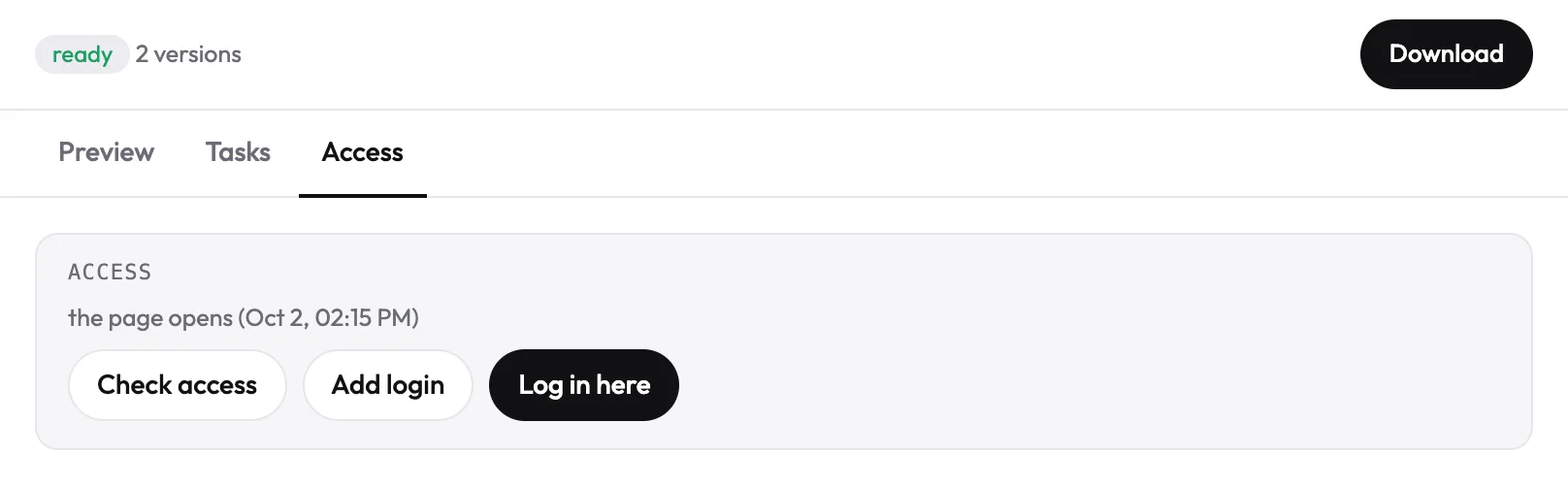
- Open the Access tab of your project. It shows whether the director can open your product, with three buttons: Check access, Add login and Log in here.
- Press Log in here. A real browser opens inside the page, streamed from our server. Sign in as you normally would: SSO, a two-factor code or a captcha all work, because it is an ordinary browser. It closes by itself after 15 minutes without use.
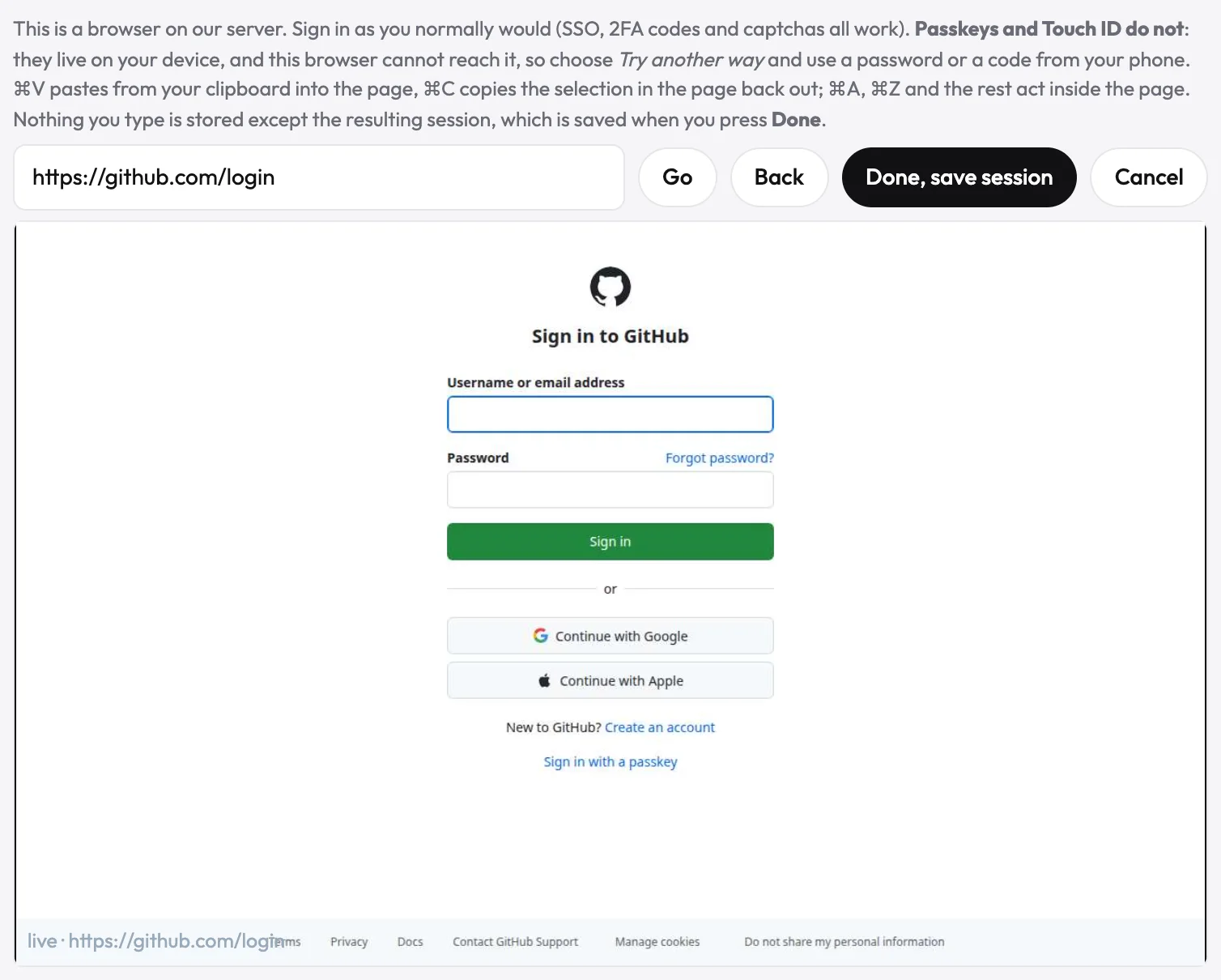
- Go to the screen the film is about and press Done, save session. uscale keeps the signed-in session, checks access again and films from there.
Two ways in
| Log in here | Add login | |
|---|---|---|
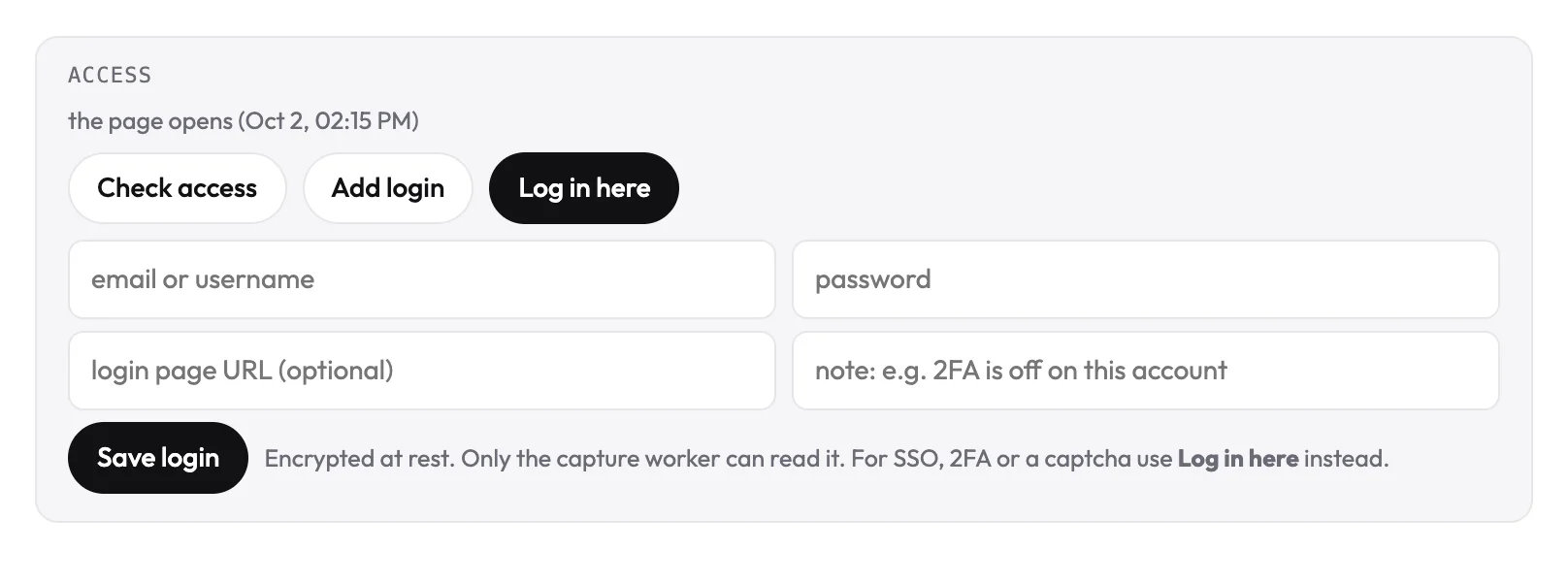
| Works with | SSO, two-factor codes, captchas | an email-and-password sign-in |
| What is kept | the signed-in session, saved when you press Done | the login, encrypted at rest |
| Who can use it | only the filming step | only the filming step |
What you control
- Which account it sees. The film shows what that account shows, so use a demo or test account with sample data if you would rather not show real customers.
- Where it starts. Navigate to the screen the film is about before you press Done.
- When to check again. Check access, which is free, tells you whether the product still opens, and what is in the way if not: a login, SSO, two-factor, a captcha, a cookie wall or a bot block.
TipTell the director what to film once you are signed in, for example “Film the reports screen and show how a filter changes the chart.”