Show your app behind a login
Let the director film screens that need a sign-in, including SSO and two-factor.
If the screens the film should show are behind a sign-in, the director needs a way in. You can save a login, or sign in yourself in a browser streamed from uscale.
Option 1: Log in here
This works with SSO, two-factor codes and captchas.
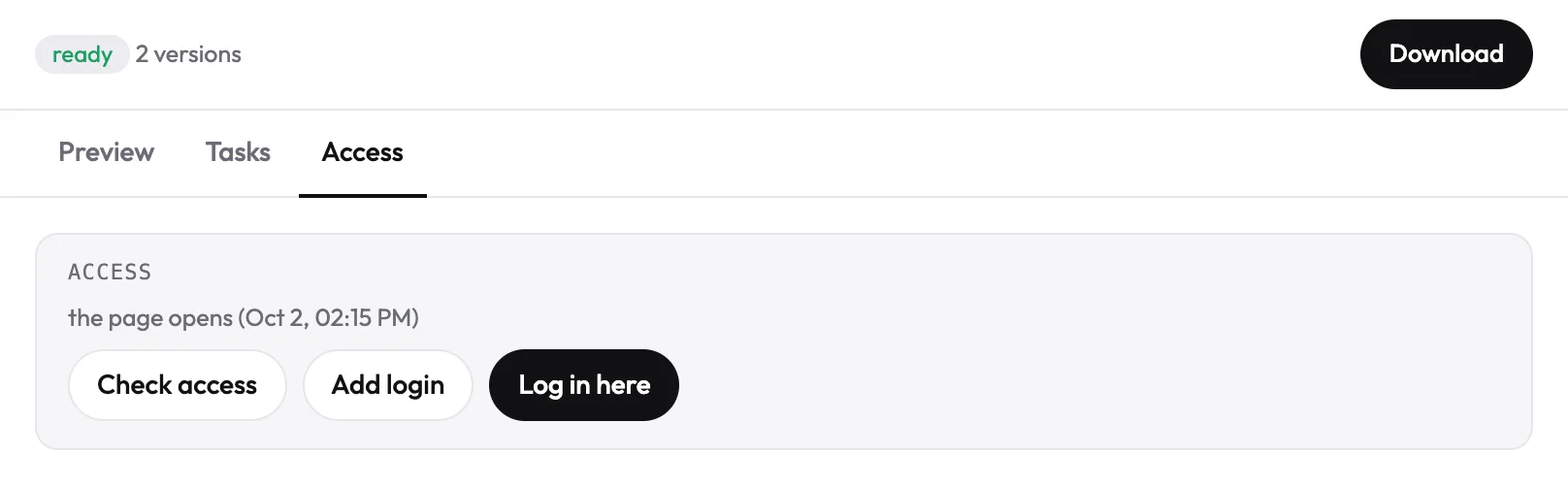
- Open the project's Access tab and press Log in here.
- A browser opens inside the page. Sign in yourself, the way you always do: SSO, two-factor codes and captchas all work. Passkeys and Touch ID do not, because they live on your device: choose “Try another way” and use a password or a code.
- Go to the screen the video is about, then press Done.
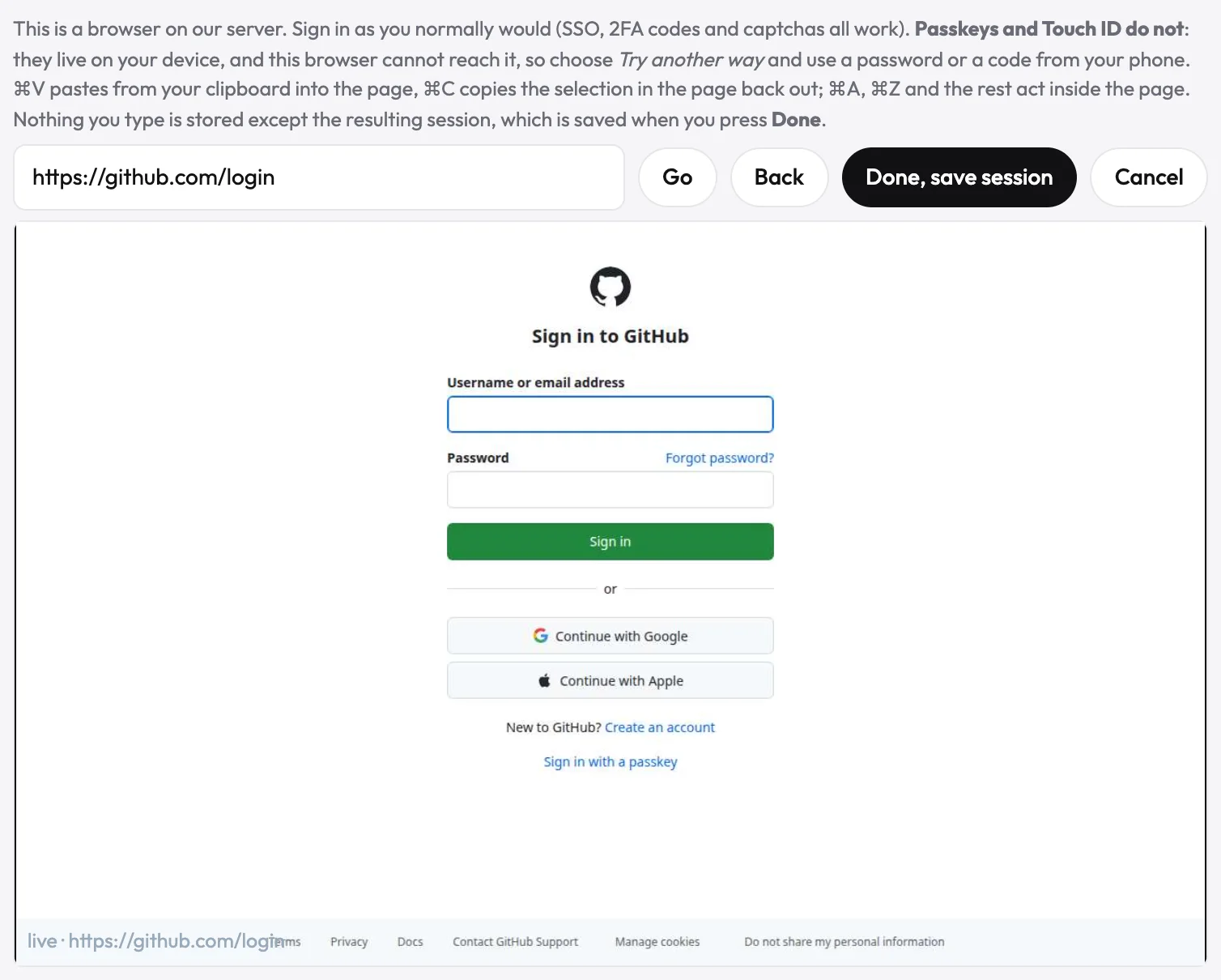
uscale saves the signed-in session when you press Done, so the director can film. Nothing you type is stored except that session.
Option 2: Add a login
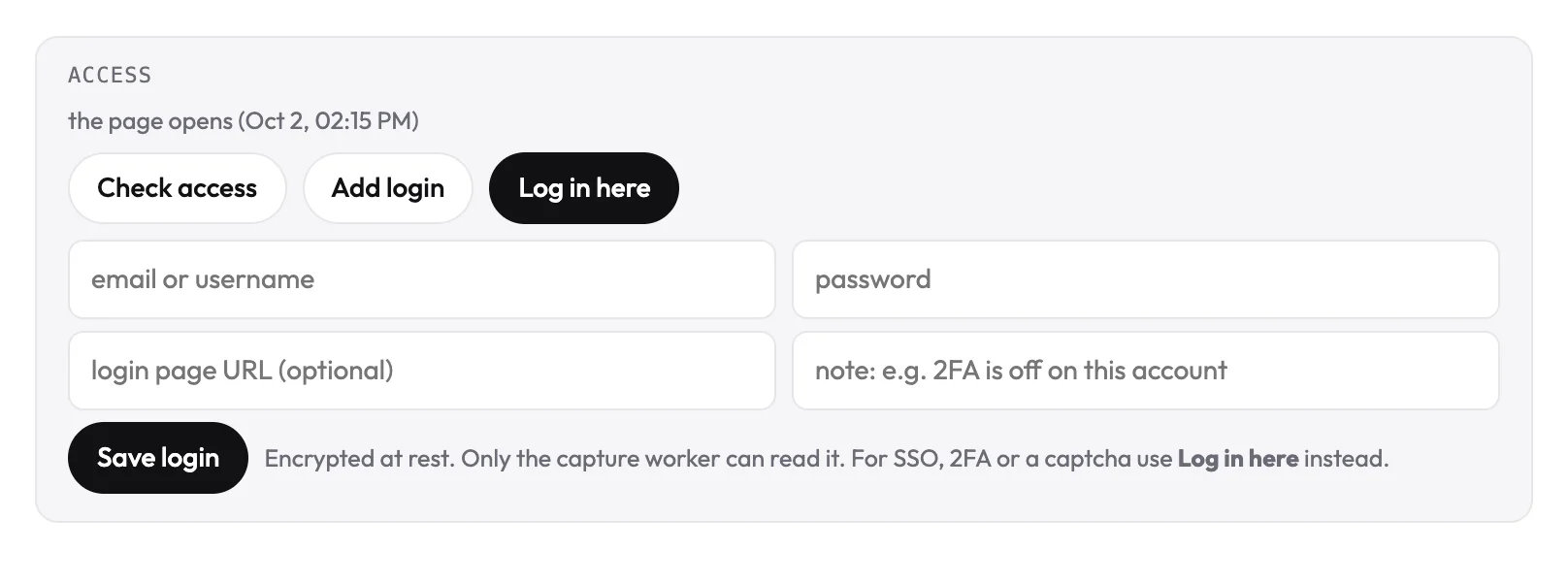
For an email-and-password login, press Add login in the Access tab and enter the email, password and (optional) login page. The login is stored encrypted and used only to film your product.
Then tell the director
Prompt
I signed in with Log in here. Film the <screen or flow> screen and show <what the viewer should notice>.
The director re-checks access and posts in the chat whether the product opens.
TipGoogle can refuse a sign-in from a browser it does not recognise. If it does, use a test account with a password and Add login. A demo account with sample data also keeps real customers out of the film.
Try it on your own product. Your first video is free.
Make a video