Change one thing and keep the rest
The film is nearly right: change one moment by its time, and every other scene, word and timing stays.
When a cut is nearly right, the fastest fix is a narrow one. Tell the director the time of the moment and what should change there, and ask it to keep everything else.
The prompt
How to do it
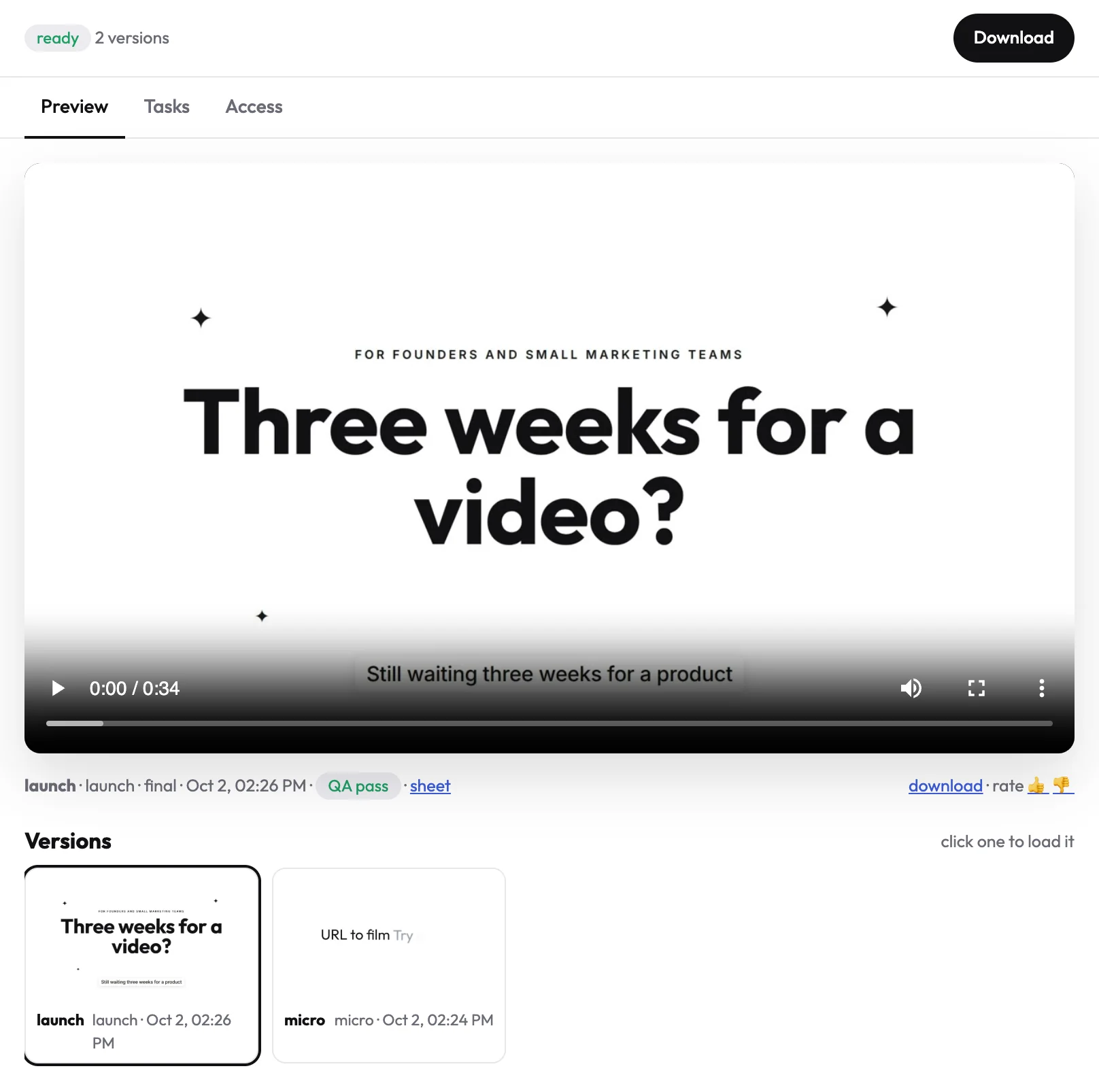
- Find the moment. Play the cut in the project's Preview tab and note the time on the player.
- Say what should change there. Be concrete: "the price on screen should read $49", "the line breaks into the chart", "this transition is too slow".
- Send the prompt. The director changes only that part and tells you the cost of the re-render before it starts.
What stays the same
Every other scene, every spoken word and every timing. The new cut appears as a new version in Preview, and the earlier cut stays in the version list, so you can always go back.
One press from the chat
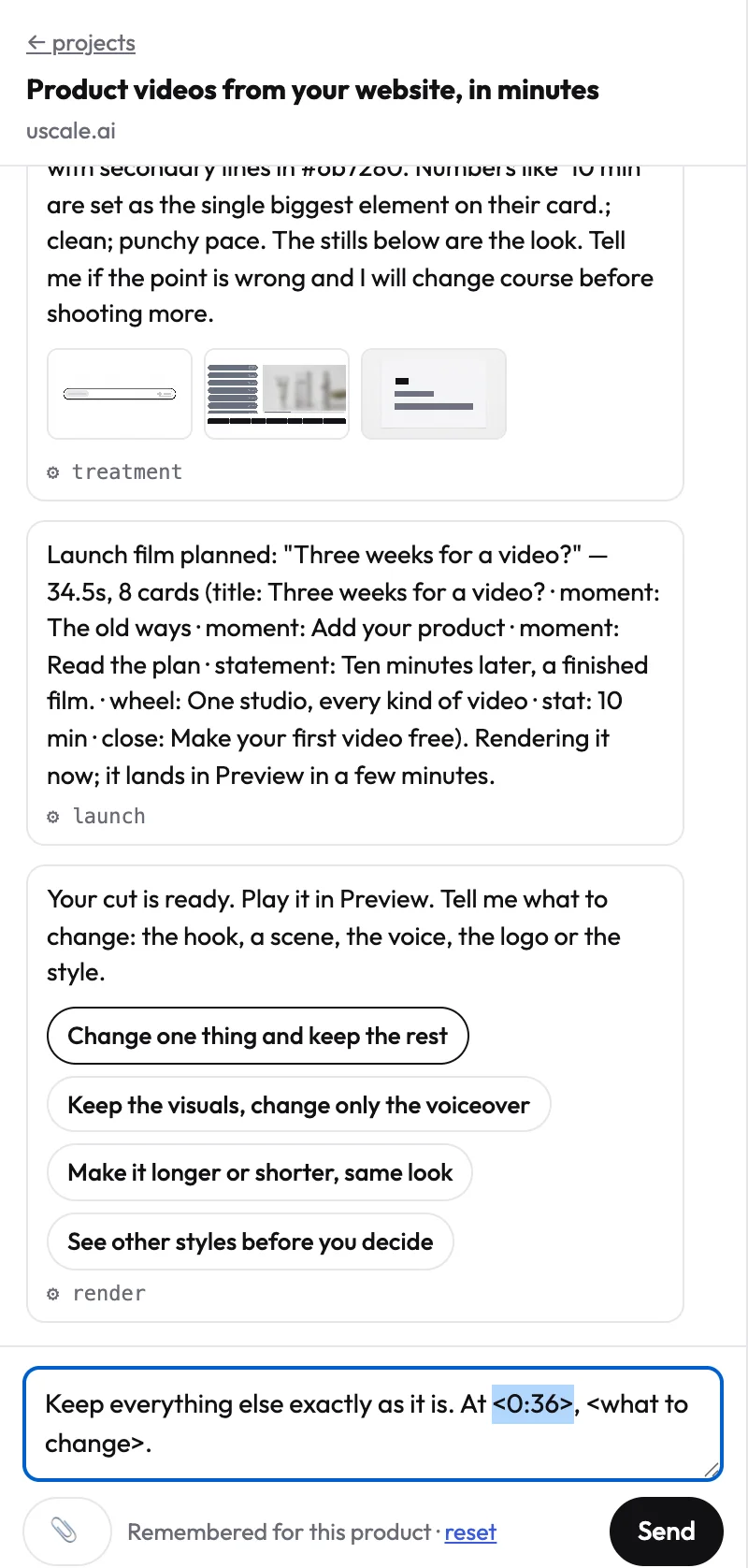
Under every finished film, the director offers the most common next steps as buttons. Press Change one thing and keep the rest: the prompt lands in the message box with the time selected, ready to type over.
Several small fixes at once
List them by time in one message, for example:
Try it on your own product. Your first video is free.
Make a video