Credits and billing
What uses credits, what is free, how to top up, and what happens when a step fails.
uscale uses credits: roughly one credit per dollar. Chatting with the director is free. Steps that film, design, write or render use credits, and the director tells you the price before it starts one.
What is free
- Talking to the director, as much as you like.
- Reading your site, your documents and your repository.
- Checking access to your product.
What uses credits
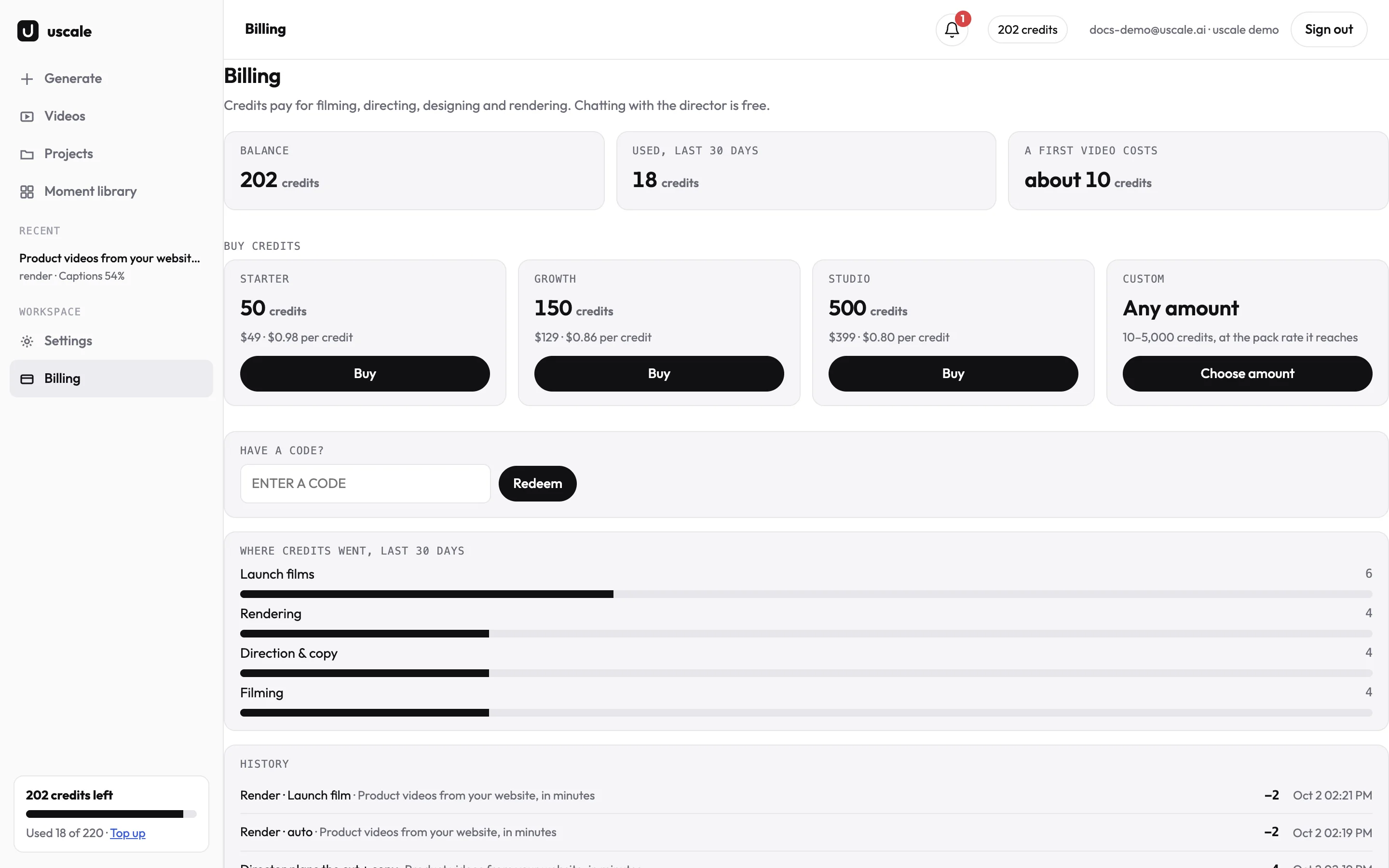
The pricing page lists every step and its price. The director always names the cost of a step before your go, and the credit count in the top bar updates when a step starts.
Topping up
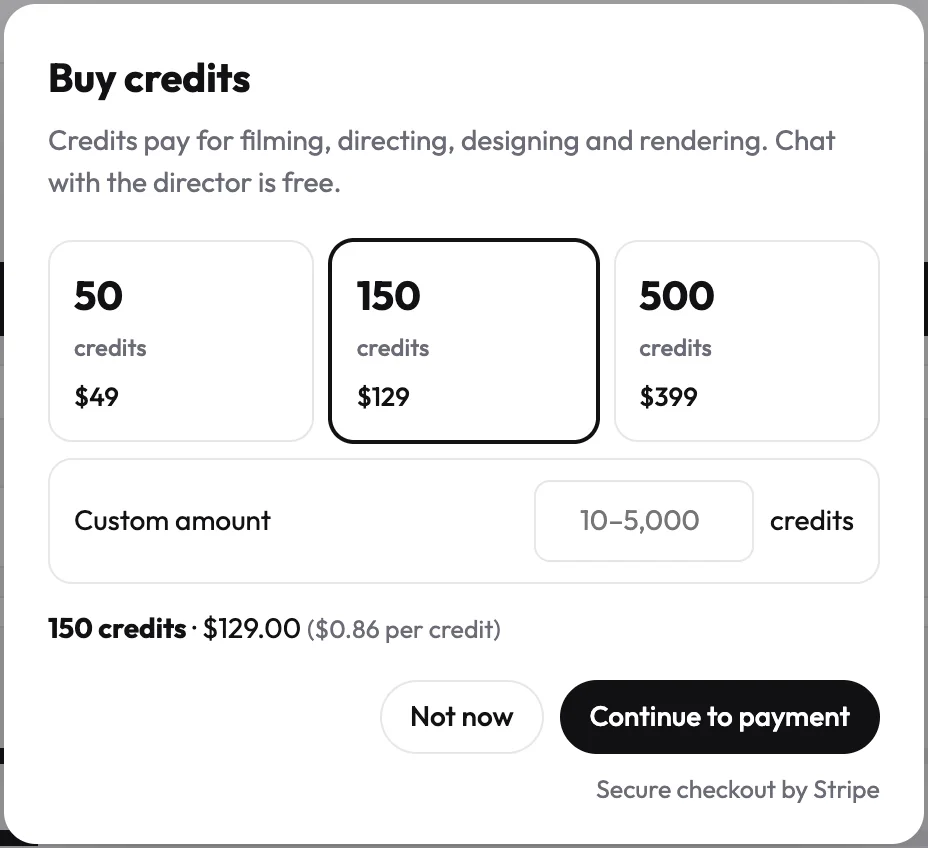
Open Billing in the menu. Pick a pack, or choose Custom for any amount, and pay by card. Credits arrive in your workspace as soon as the payment goes through.
If a step fails
A step that fails gives its credits back, and the full history is on the Billing page.
Try it on your own product. Your first video is free.
Make a video