How uscale works
From your website to a finished film: the director, the storyboard you approve, and the render.
uscale turns your website, app or repository into a product video. You work with a director in a chat: it reads your product, asks what the film should do, writes the script and storyboard with you, and only films and renders after you say go.
The four steps
- Paste your website. On Generate, paste the address of your site, app or GitHub repository and pick what the video should do (explain, launch, demo, onboard…).
- Talk to the director. It reads your product and asks a few questions: who the film is for, what it should say, whether a login is needed.
- Approve the storyboard. The director proposes the script and every beat with its narration line. Change anything in the chat, then say go.
- Get the film. It renders in minutes. You get an email when it is ready, and it plays in the project's Preview tab with a Download button.
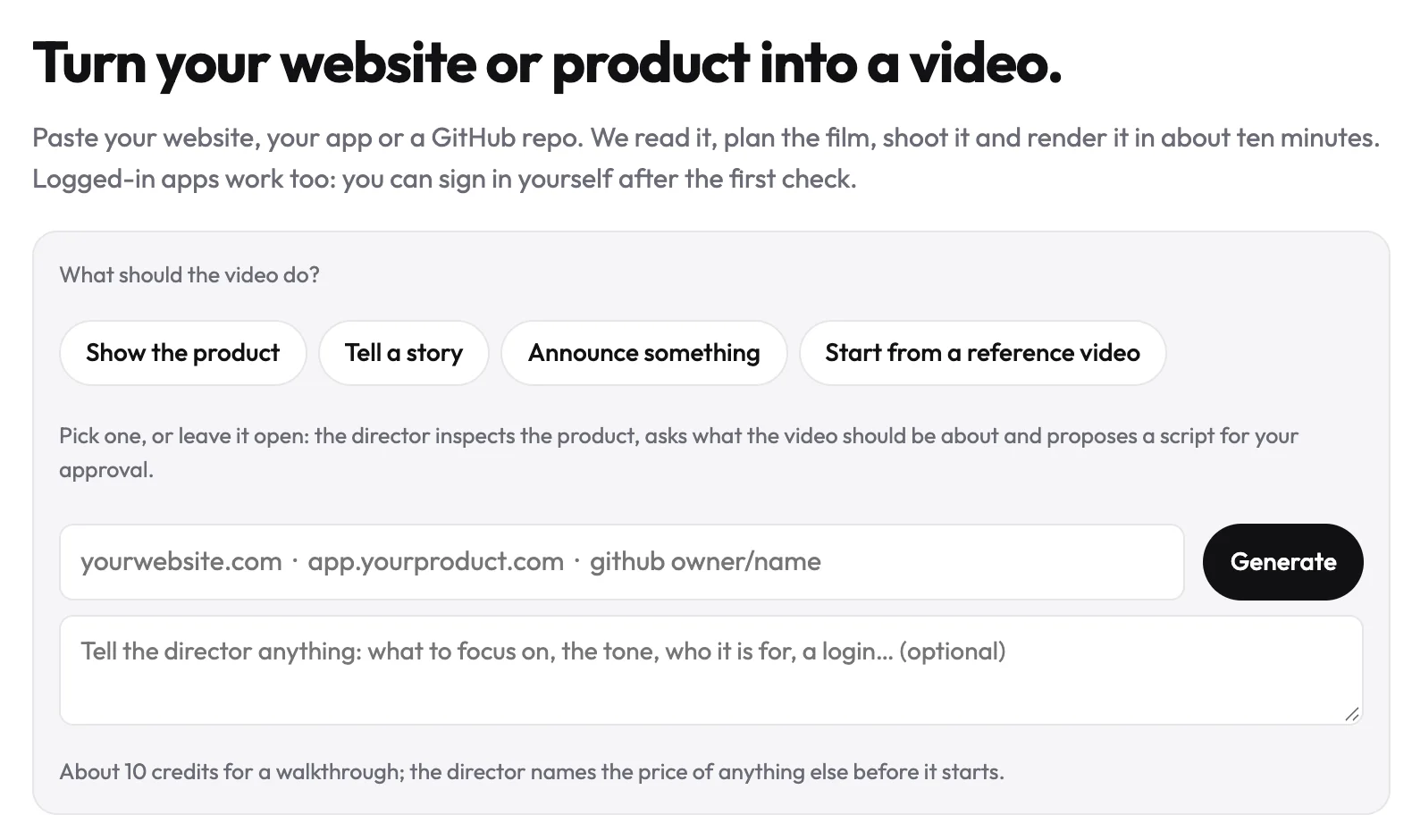
TipNothing is filmed or charged before you approve. Chatting with the director is free; filming, designing and rendering use credits.
Where things live in a project
| Tab | What it shows |
|---|---|
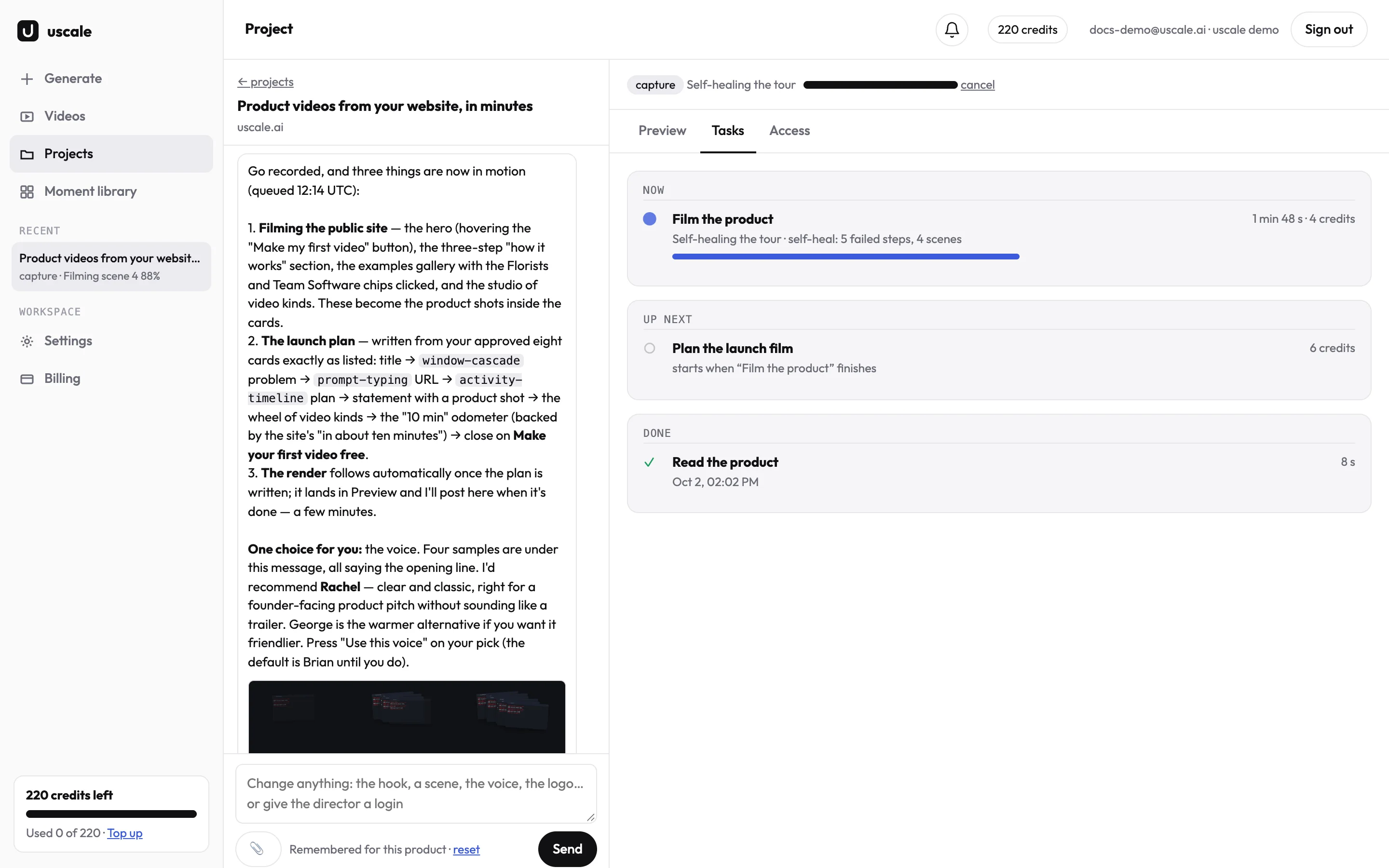
| Chat (left) | Your conversation with the director, the files you attach, and the buttons it offers (Connect GitHub, Log in here). |
| Preview | The latest cut, every earlier version, and Download. |
| Tasks | What the director is doing right now, what is done and what is next. |
| Access | How the director reaches your product: a saved login, or Log in here. |
Next
Start your first film with a message that gets the director to look before it acts: see Start a film the right way.
Try it on your own product. Your first video is free.
Make a video