Download and share your film
Get the full-quality MP4, the captions and the post copy, and find every earlier cut.
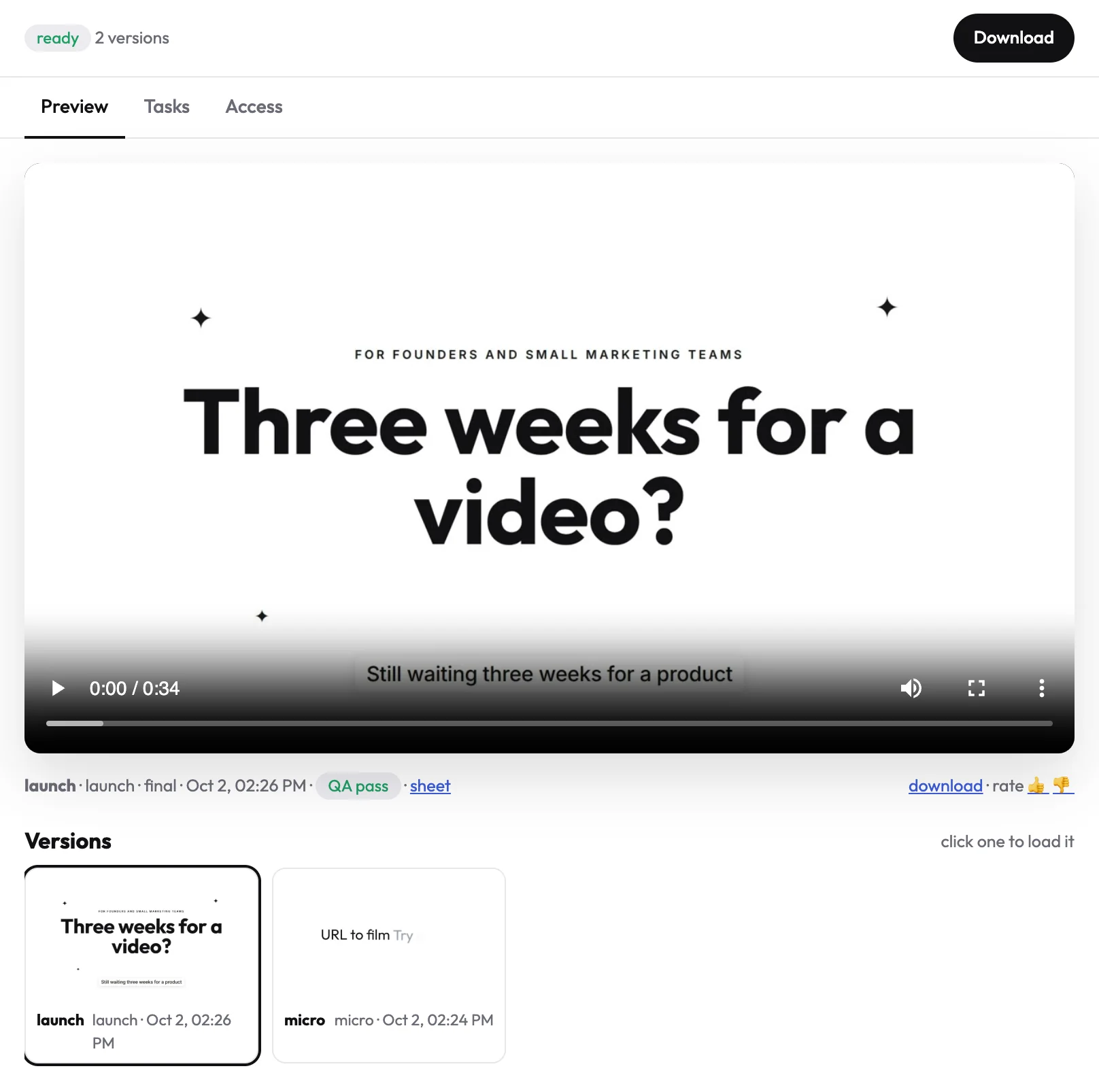
Every finished cut plays in the project's Preview tab, with a Download button at the top right.
What you get
- The MP4: 1920×1080, H.264, with sound and burned-in captions. It plays everywhere: LinkedIn, X, your website, an ad.
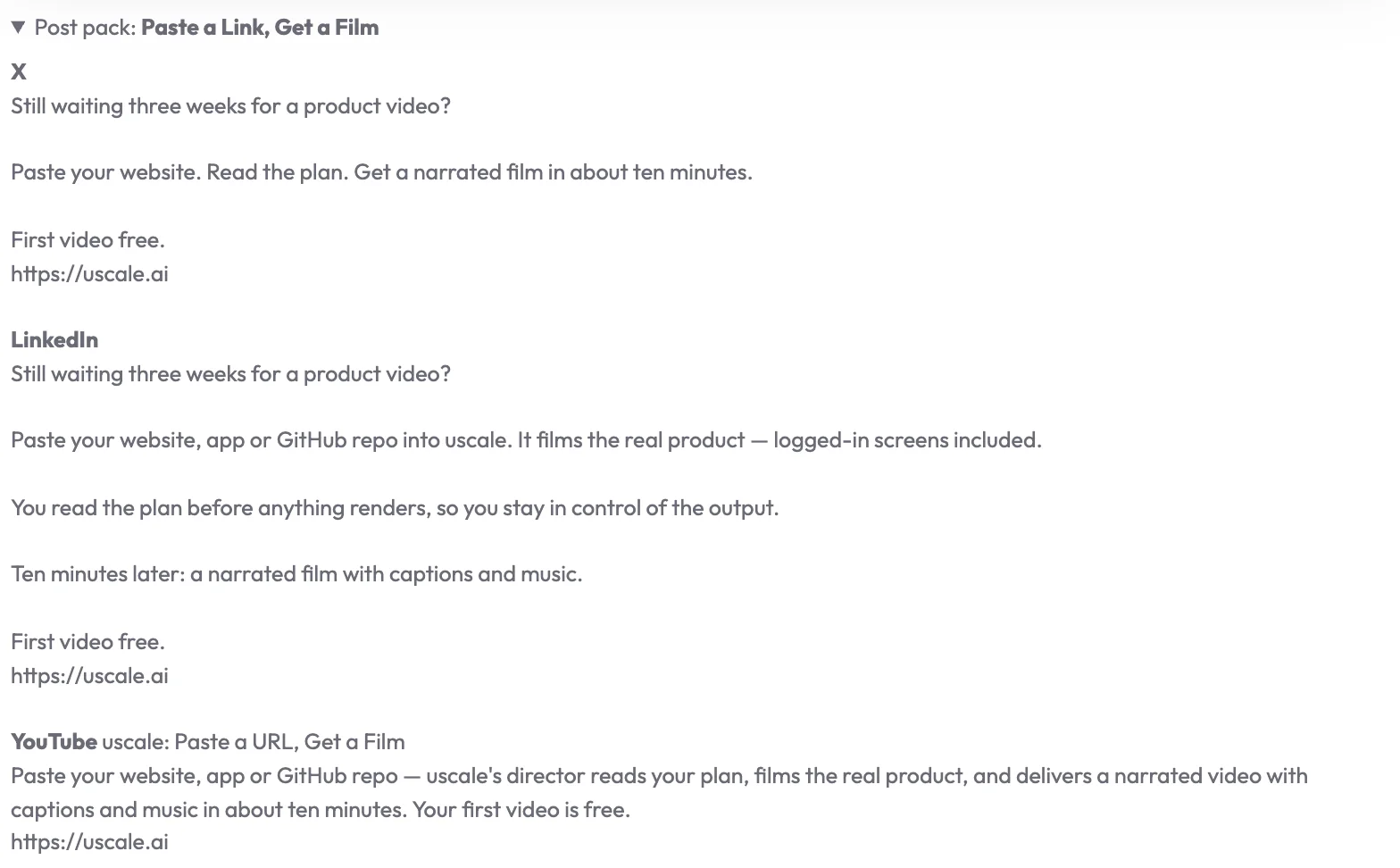
- The post pack: a title, an X post, a LinkedIn post, a YouTube title and description and alt text, in a panel under the film.
Earlier cuts
Every version stays in the list under the player. Click one to load it, and download any of them.
Ask the director
If you are not sure which file to post, ask:
Prompt
Where is the latest cut, and which file should I post on <LinkedIn>?
TipYou get an email when a film is ready, with a link straight to the project.
Try it on your own product. Your first video is free.
Make a video