Keep the visuals, change only the voiceover
You like the pictures but not what the voice says: rewrite the narration over the same scenes.
Sometimes the pictures are right and only the words are wrong: too salesy, too long, or not what you would say. The director can rewrite the narration over the same scenes without touching the visuals.
The prompt
Prompt
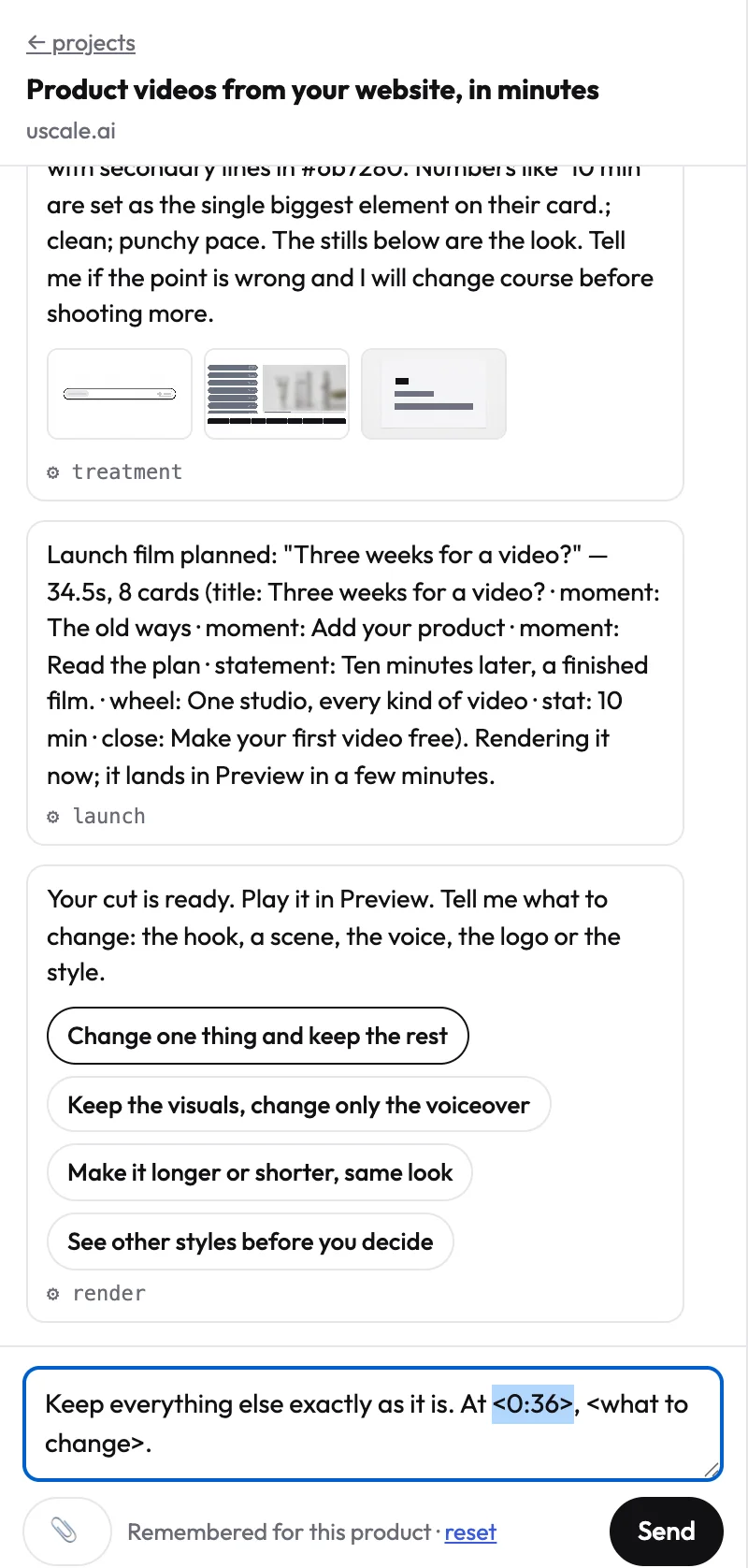
Keep every visual exactly as it is. Rewrite only the voiceover: <what it should say or how it should sound>.
How to do it
- Say what is wrong with the words. For example "less salesy, more like a founder talking", or paste the exact lines you want.
- Read the new lines. The director writes them to fit the same scenes and shows them to you before anything is voiced.
- Approve. The film is re-voiced, not re-made: the scenes, the order and the look stay.
This prompt is also a button under every finished film, so it is one press away.
TipIf you only want one line changed, quote it: “Replace the line ‘…’ with ‘…’ and keep every other line.”
Related
- The voice says your name wrong: Make the voice say a name right.
- The voice pauses too long: Fewer pauses, tighter pacing.
Try it on your own product. Your first video is free.
Make a video