Use a private GitHub repository
Connect GitHub read-only so the director can read a private repository and plan the film from the code.
If the product is a repository rather than a live website, the director can read it through the uscale GitHub App, read-only.
Connect GitHub
Prompt
Connect GitHub and read <owner/repository>. Tell me what the product does and which screens a video should show.
- Send the prompt. Under the director's reply, press Connect GitHub (read-only).
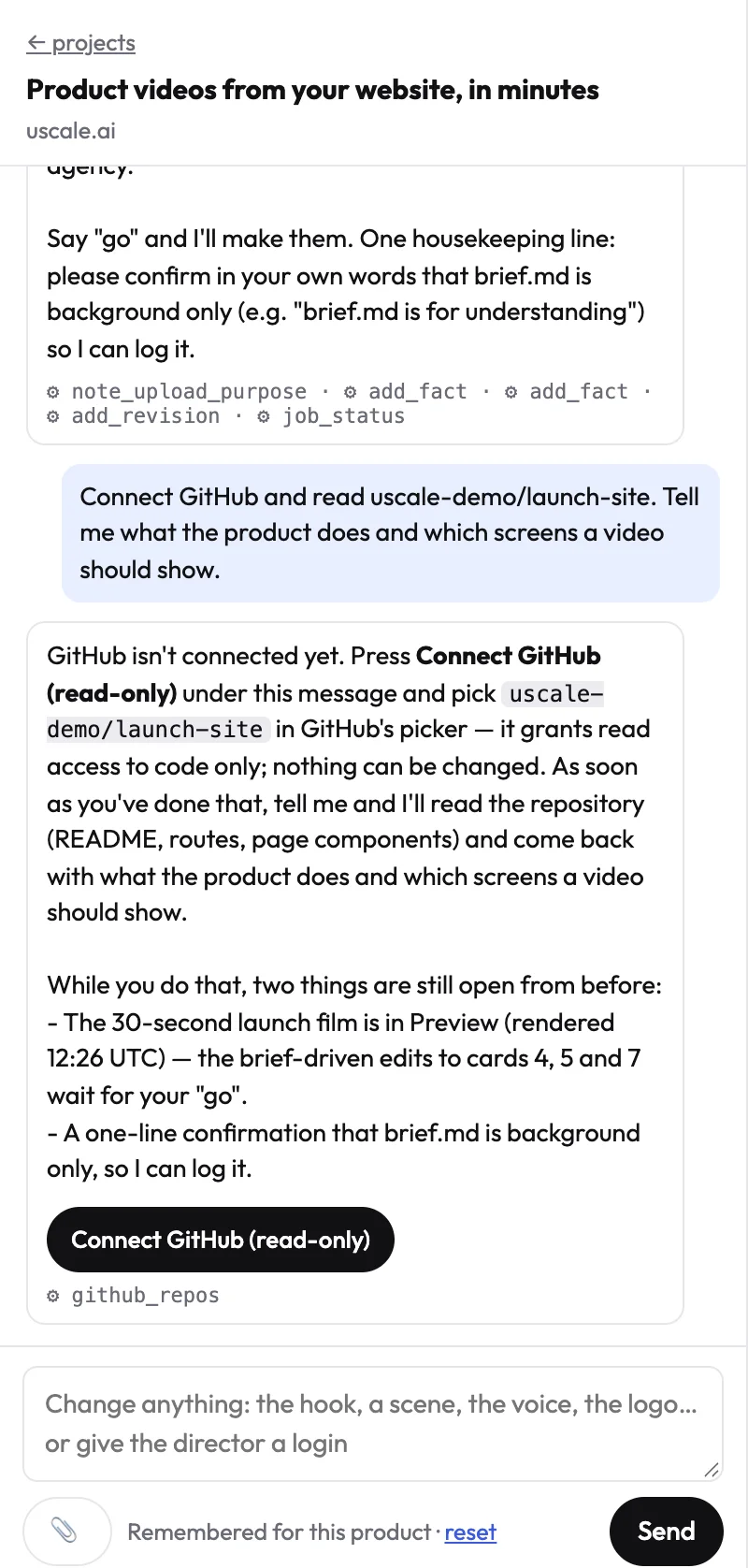
- GitHub asks which repositories uscale may read. Pick only the ones the film is about.
- You come back to the project, and the director says which repositories it can read.
What uscale can and cannot do
- It can read code and files in the repositories you picked.
- It cannot change anything: no commits, no issues, no settings.
- You can remove access any time from your GitHub settings (Applications).
What happens next
The director reads the repository, tells you what the product does, and proposes what to film: often a run of the app itself, or a launch film built from the README and the code.
Try it on your own product. Your first video is free.
Make a video