Make it longer or shorter, same look
The length is wrong but the film is right: stretch or tighten the scenes you already approved.
A film made for a landing page might need a 15-second cut for social, or a calmer 45-second version for a sales email. You do not have to start over.
The prompt
Prompt
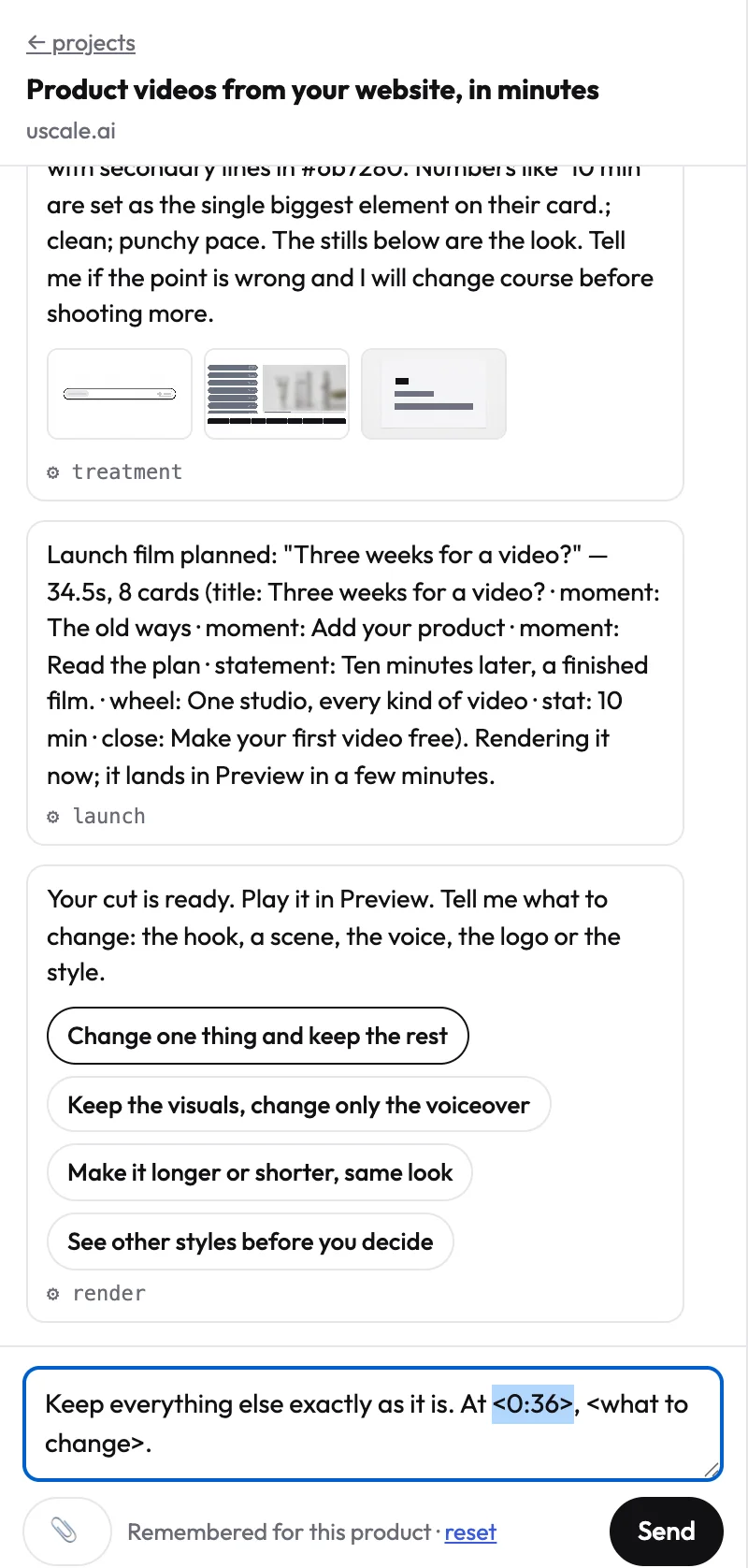
Same film, same look and scenes, about <45> seconds: <calmer holds / tighter pacing>, nothing new.
How to do it
- Say the length you want and how it should get there: calmer holds, tighter pacing, or dropping a scene you name.
- The director re-times the film from the scenes you already approved. Nothing new is invented.
- The voice keeps going. A longer cut gets more time on screen, not long silences between lines.
This prompt is also a button under every finished film, so it is one press away.
TipWant both? Ask for the second length as a new version: “Keep this cut, and make a 15-second version for LinkedIn.” Both stay in the version list.
Try it on your own product. Your first video is free.
Make a video