Give the director your brief or documents
Attach a launch brief, positioning or customer quotes so the film says what you would say.
A website rarely holds everything a film should say. If you have a launch brief, a positioning doc, a value proposition or customer quotes, give them to the director.
Attach the file
In the chat, attach the file with the paperclip, or drop it in. Markdown, PDF, plain text, CSV and JSON documents work, and so do screenshots and GIFs.
Say what it is for
A document can be background for the director or something to show in the film. Tell it which, in the same message:
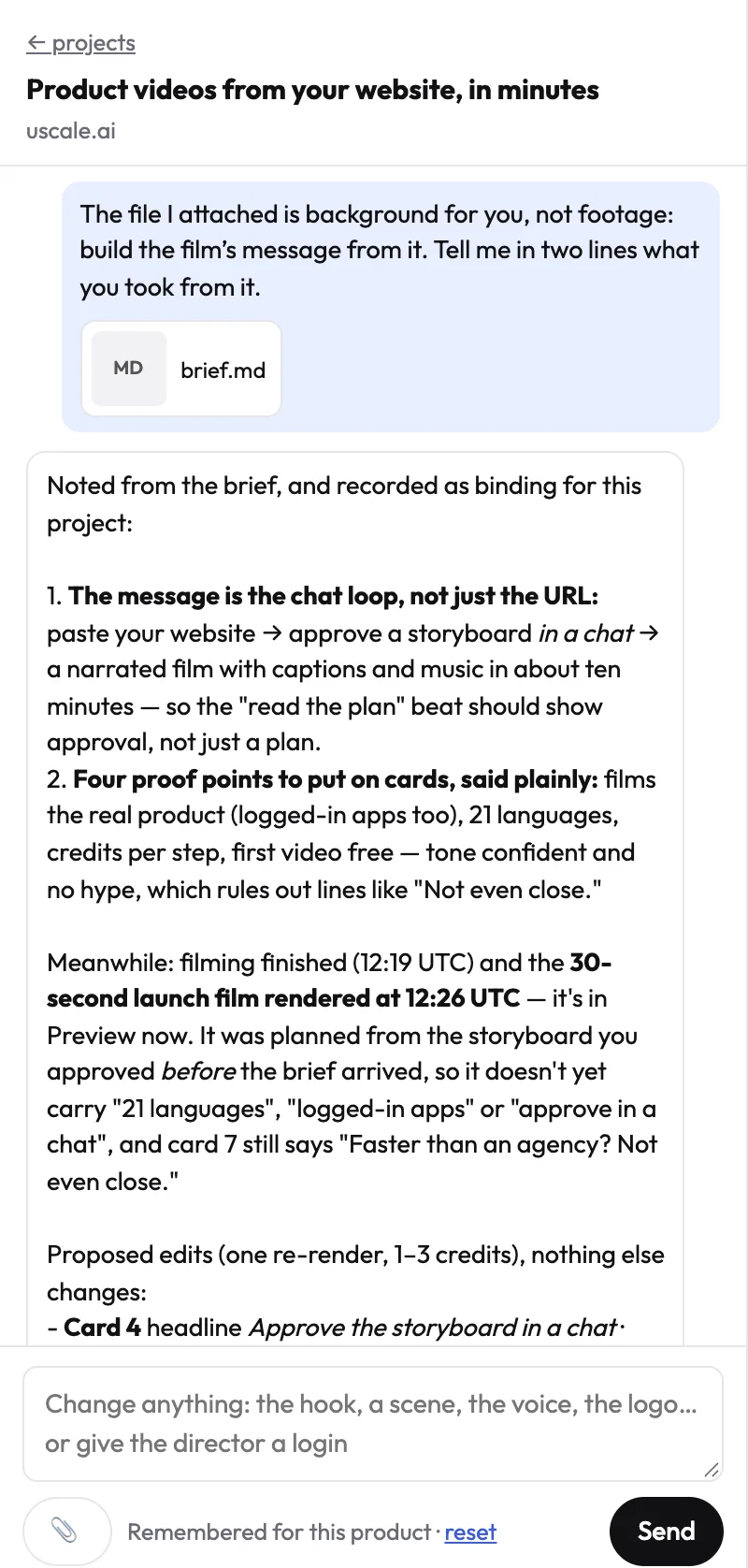
Check what it took
Read the two-line summary before you approve the storyboard. If it missed the point, say what matters most, for example: "The key message is the second section: from finding data to asking questions."
Try it on your own product. Your first video is free.
Make a video