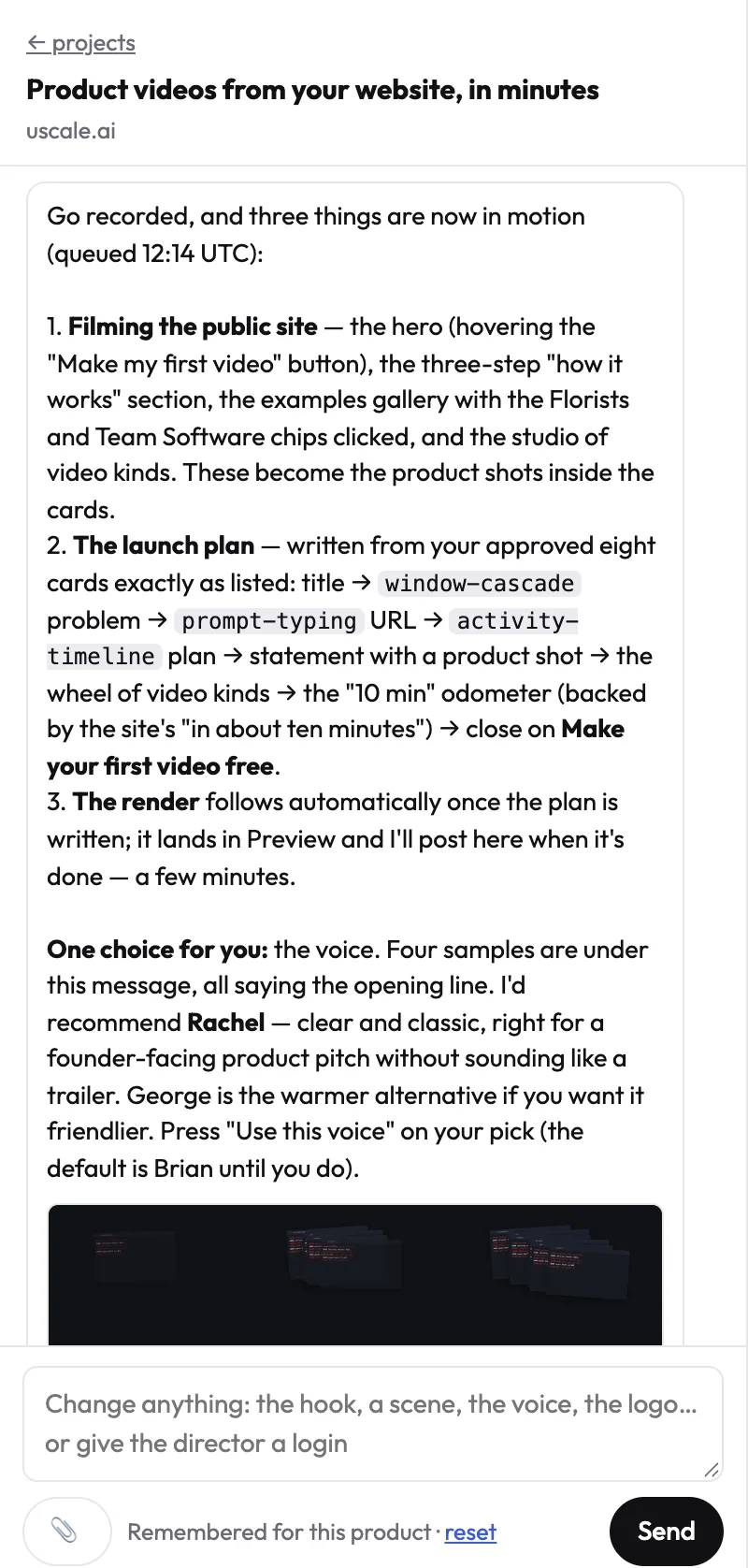
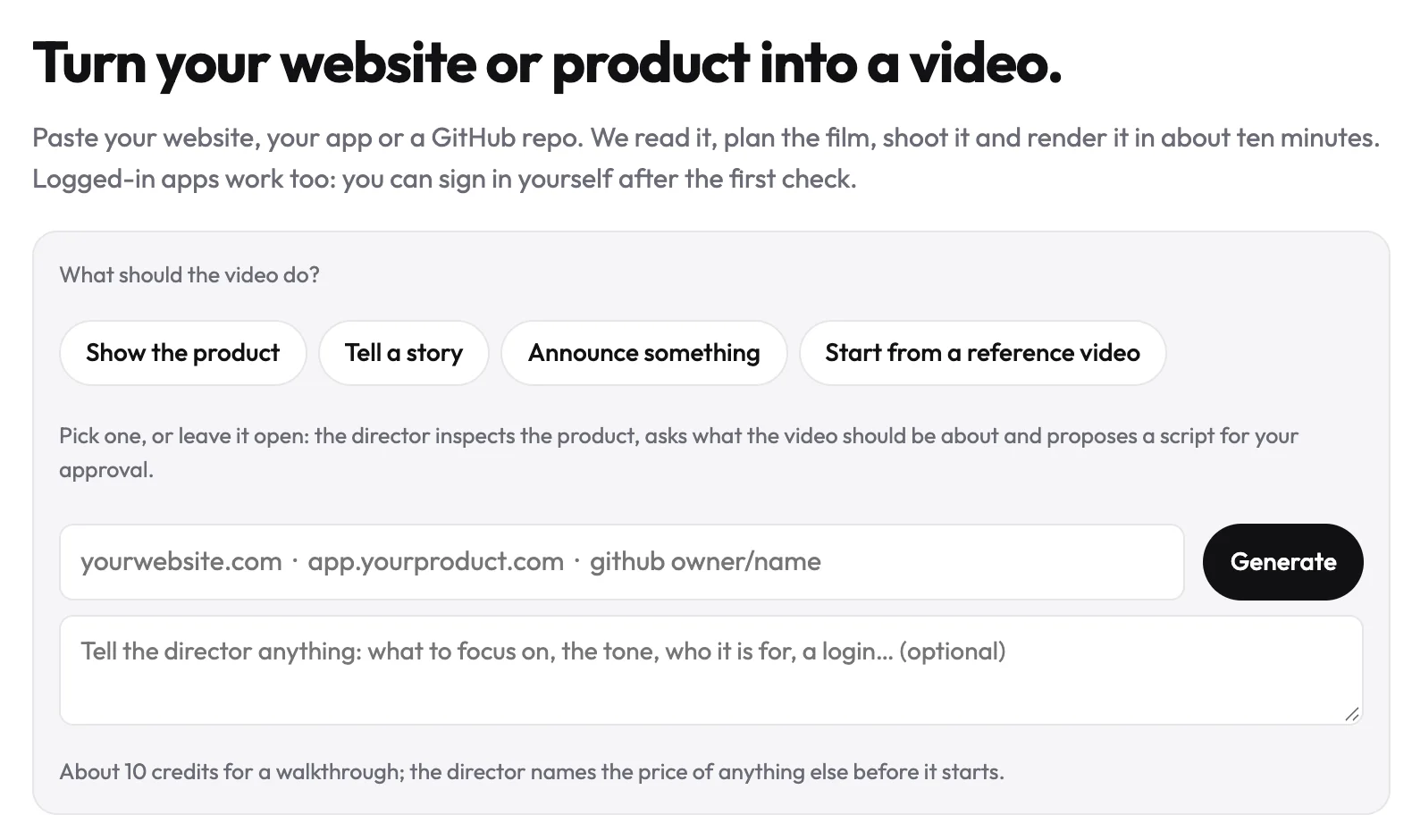
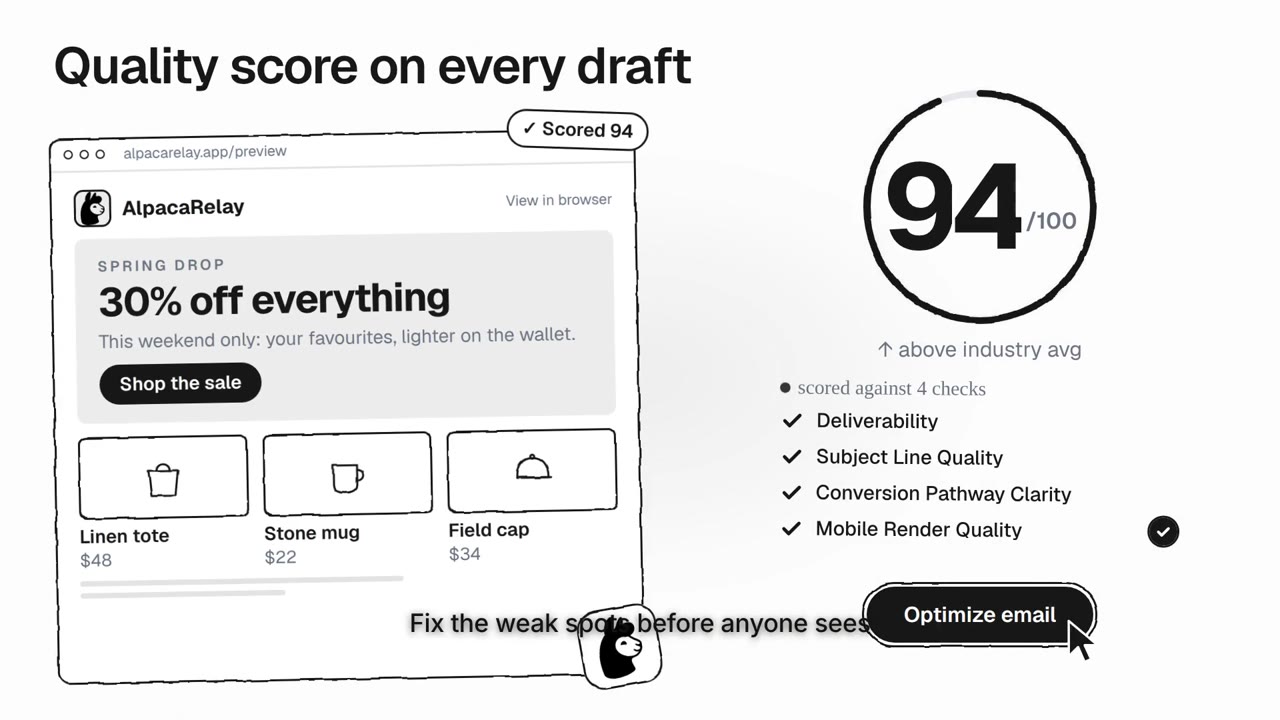
Most tools that edit video with AI still hand you a timeline. uscale hands you a director: you say what the film should do, it reads your product, writes the storyboard with you and makes the changes you ask for, in a chat. You never drag a clip.
How it works
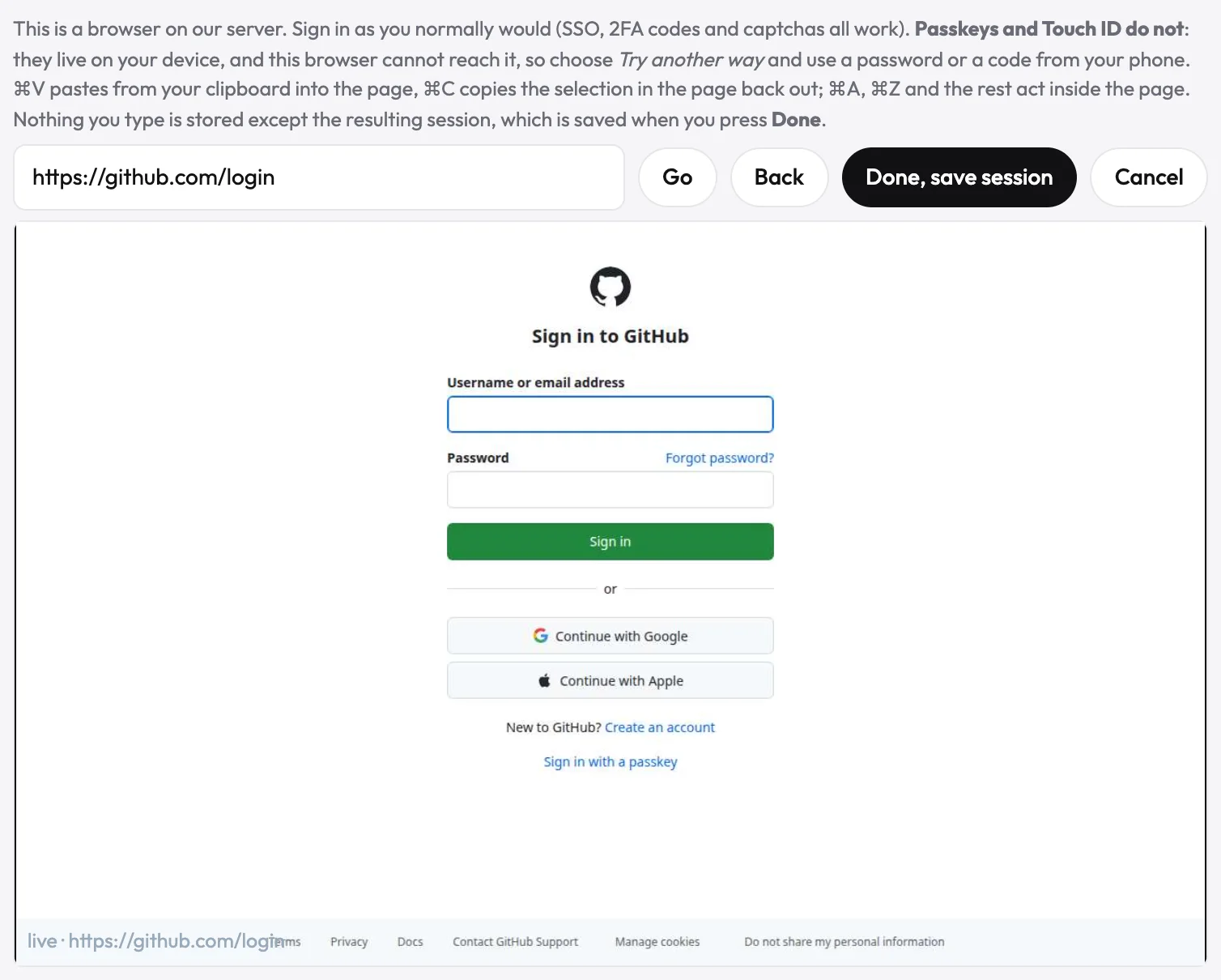
- Say what you want. Paste your website and tell the director who the film is for and what it should do. It reads the product first and comes back with questions.
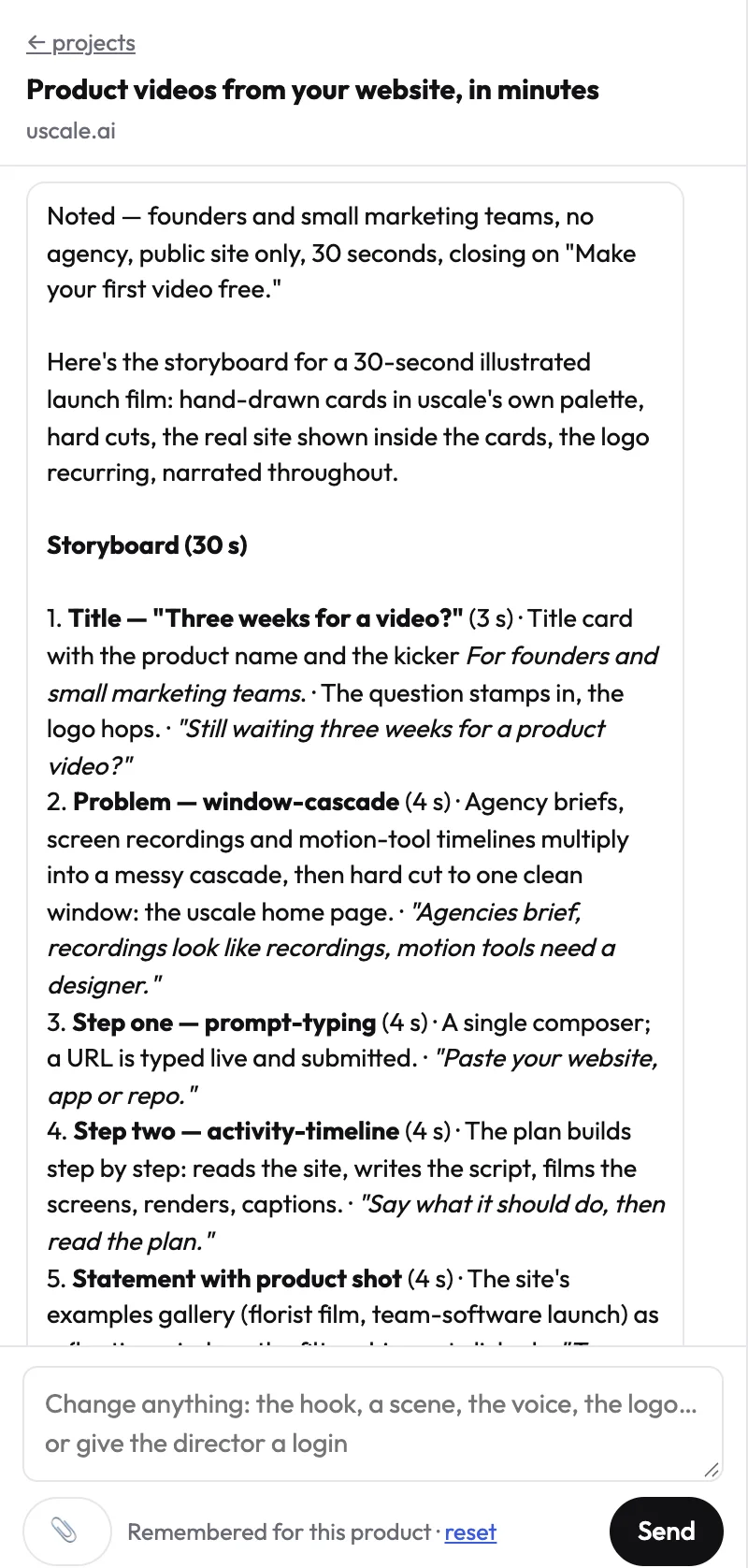
- Approve the storyboard. It proposes every beat with what is on screen and the line the voice says. Change anything in plain words until it reads right.
- Give the go. The director films, designs and renders, says what each step costs before it starts, and shows the work in the Tasks tab. You get an email when the film is ready.
What you can ask for
- One moment changed, by its time on the player, with everything else kept.
- New words over the same pictures, or a different voice, pace or pronunciation.
- A different length, the same film calmer or tighter.
- Another style, after three short concepts to choose from.
- Another language, one of 21.
- Your material used: attach a brief, a logo or screenshots, and say what each is for.
Prompt
Keep everything else exactly as it is. At <0:36>, <what to change>.
It asks before it spends
Talking to the director is free. Filming, designing and rendering use credits, and the director only starts one of them after a clear go in your latest message, with the price named. If you attach a picture or a video, it asks what it is for before it uses it: background, something to show, or feedback on a cut.