An app demo video should show the app as it is today, not a mock-up or last quarter’s screen recording. uscale films your live product: the director reads your site, writes a short tour of the screens that matter, and a browser on our server clicks through them while it records. You paste an address; you never open a screen recorder.
How it works
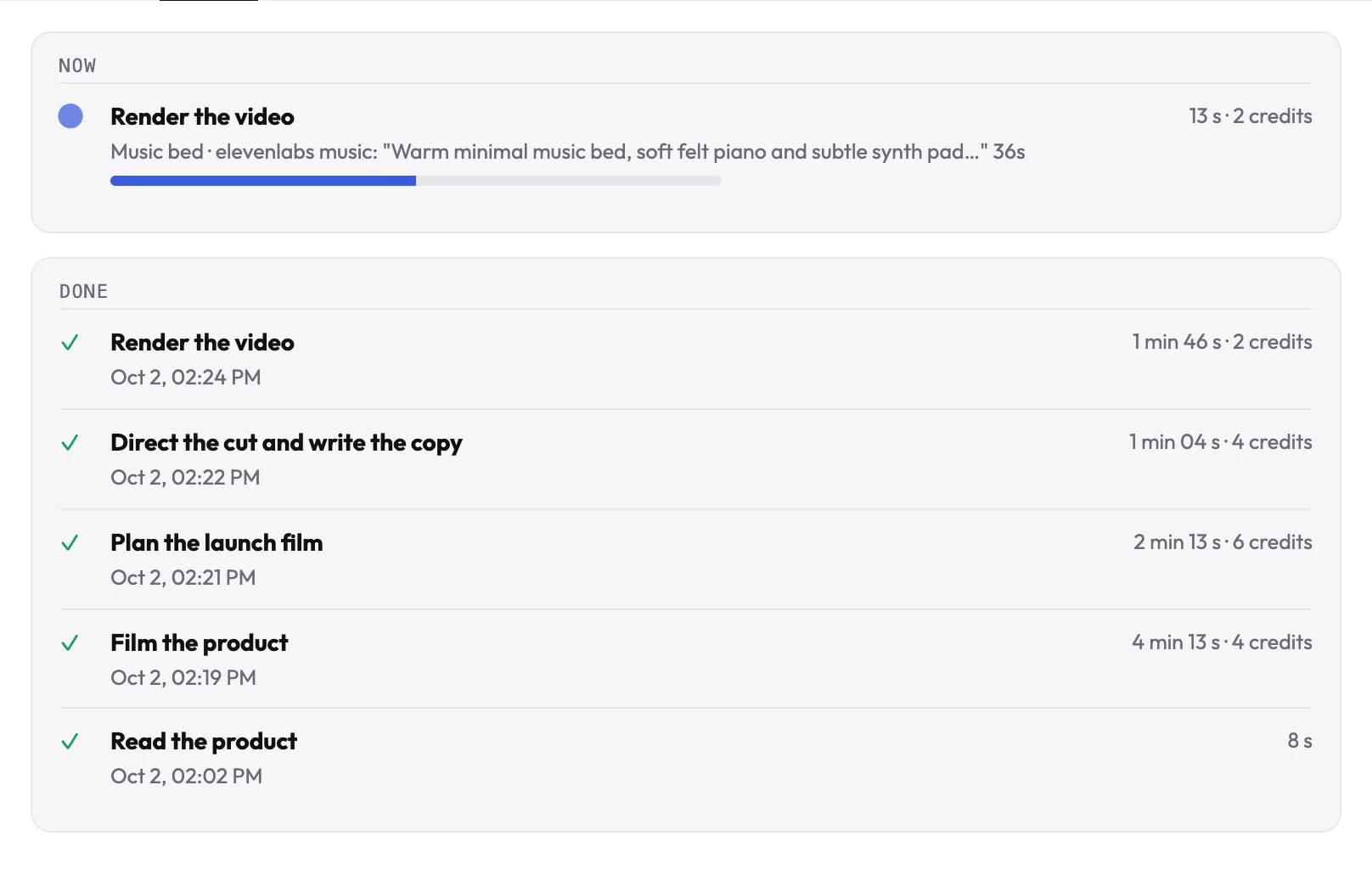
- Paste your website or app. The director opens it, checks whether it can get in, and reads what the product does.
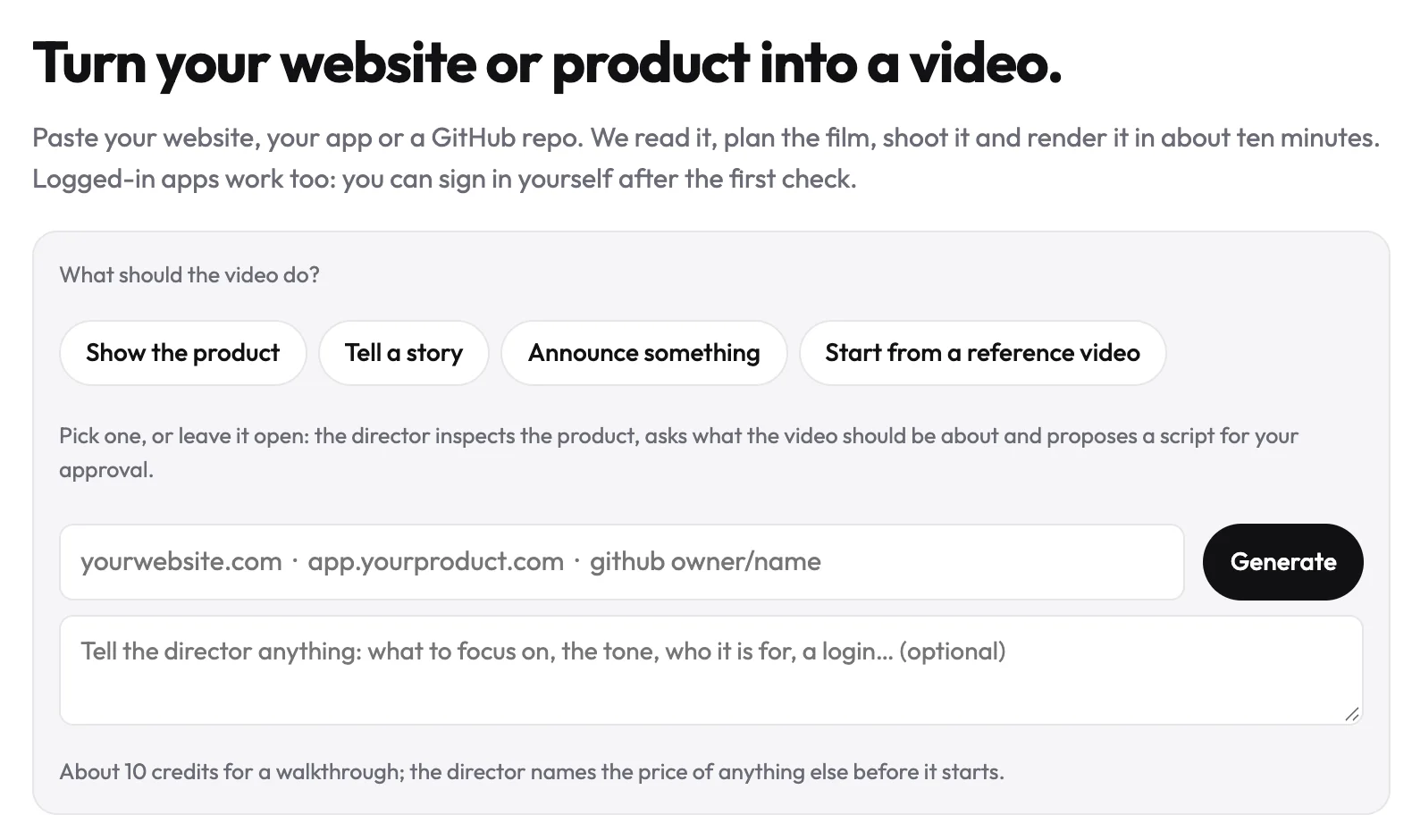
- It writes the tour. Usually about five scenes, each with the clicks, typing and callouts that show one thing. You see it as the storyboard before anything is filmed.
- It films and cuts. A browser films each scene at 1920×1080 with twice the pixels, so text stays sharp. The cursor, clicks and typing are drawn on top where they happened, and each clip is cut so the last click lands before the cut.
Built to get the shot
- Self-healing. If a click misses or a scene comes out too thin, the director repairs the failing steps and films that tour once more.
- Never cropped. The filmed screen is fitted inside the frame, never cut off at the edges.
- No clutter. Cookie banners are dismissed, and two scenes that show the same screen are caught so the film does not repeat itself.
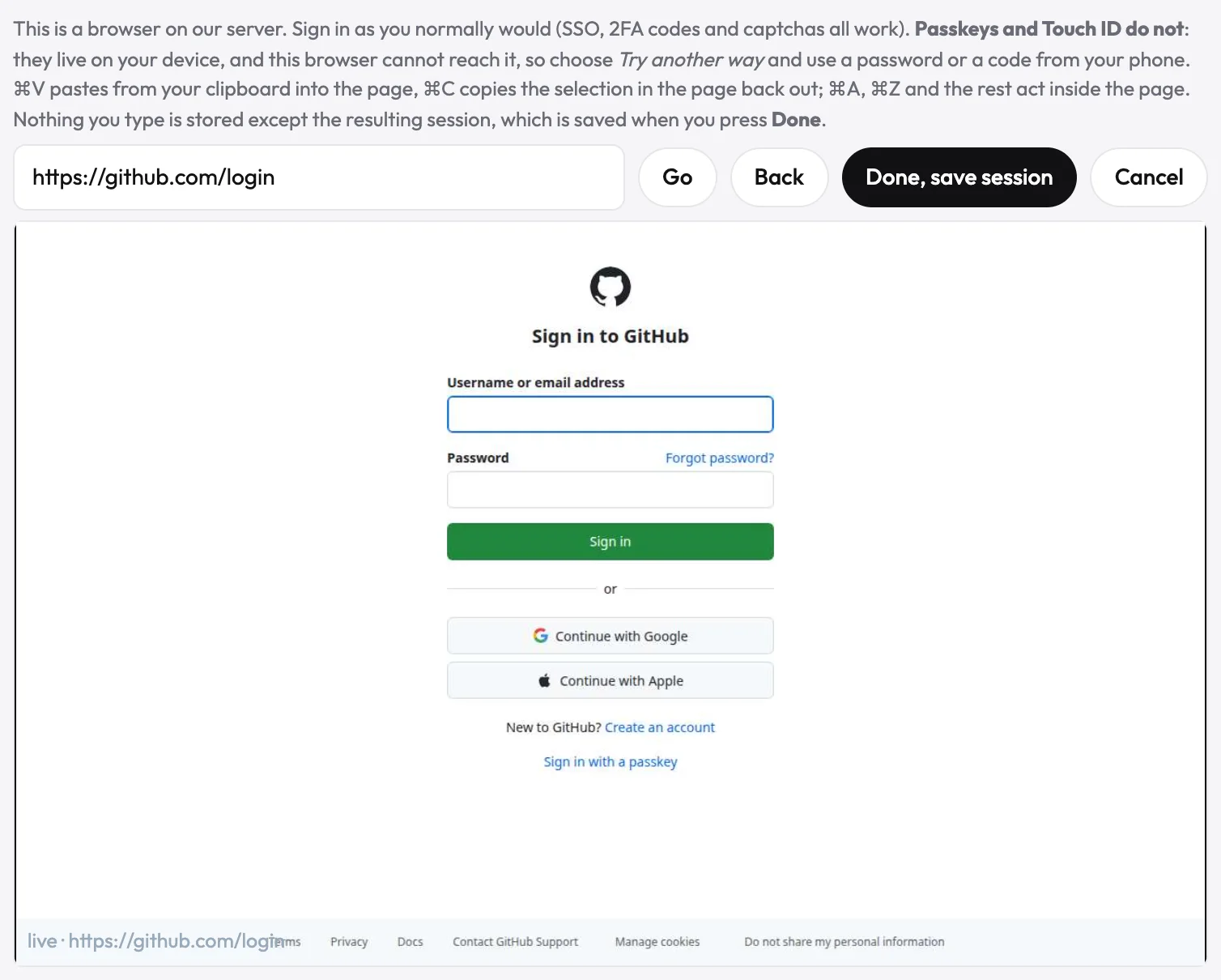
- Behind a login too. If a sign-in blocks the way, filming stops and asks you: see logged-in apps.
What you get
A 1920×1080 MP4 at 30 frames a second, H.264 with sound, and burned-in captions on the narrated looks: the file plays on LinkedIn, X, YouTube and your own site.