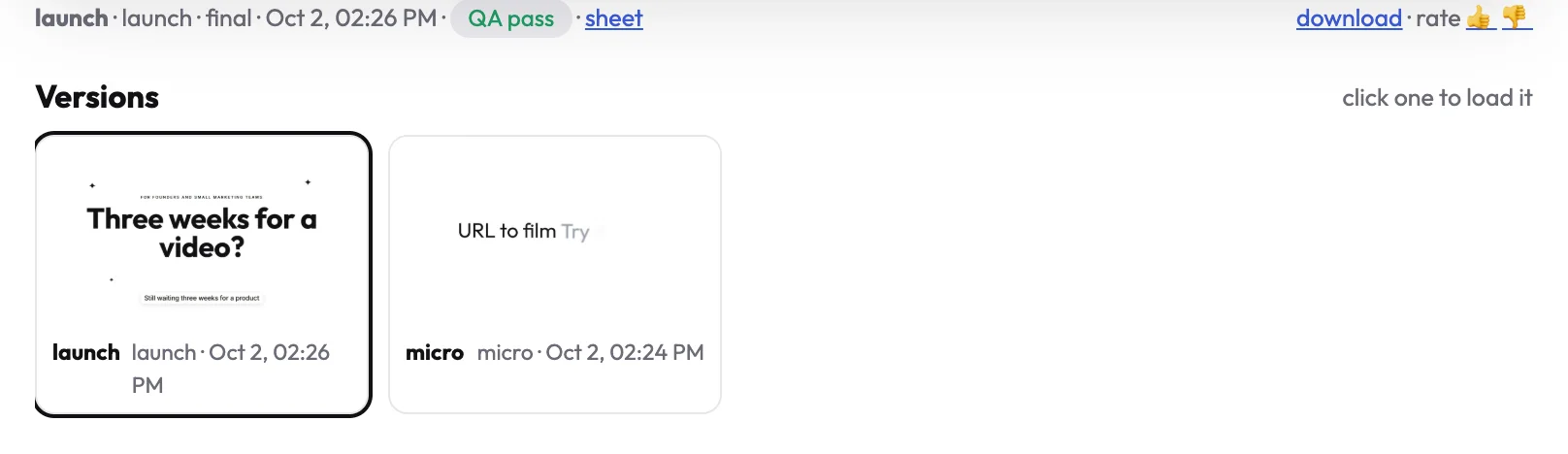
Video version control usually means a folder of files called final-v3-REAL.mp4. In uscale, every render is kept as a version of the project: the newest plays in Preview, and every earlier cut sits in a strip under the player. Nothing is overwritten when you ask for a change.
How it works
- Every render is a new version, with its look and the time it was made.
- Click one to load it in the player. It becomes the version Download gives you.
- Rate it with a thumbs up or down, to mark the cuts you like.
Why it matters
- Try a change without risk. Ask for a shorter cut or a new voice; the old one is still there.
- Compare side by side. Load two versions and keep the one that works.
- Different cuts for different places. A 15-second cut for X and a longer one for your site live in the same project.